
Mesh(三角网格)
译者注:原教程包含大量渲染的可视化效果图,本译文未包含这些图片。请运行文中的代码以查看相应的可视化结果。
Open3D 有一种用于 3D 三角网格(triangle mesh)的数据结构,称为 TriangleMesh。下面的代码展示了如何从 ply 文件中读取一个三角网格,并打印其顶点(vertices)和三角形(triangles)。文中的示例代码假设已导入以下模块:
import open3d as o3dimport numpy as npimport copy
import open3d_tutorial as o3dtut # Open3D 官方教程辅助工具print("Testing mesh in Open3D...")armadillo_mesh = o3d.data.ArmadilloMesh()mesh = o3d.io.read_triangle_mesh(armadillo_mesh.path)
knot_mesh = o3d.data.KnotMesh()mesh = o3d.io.read_triangle_mesh(knot_mesh.path)print(mesh)print('Vertices:')print(np.asarray(mesh.vertices))print('Triangles:')print(np.asarray(mesh.triangles))Testing mesh in Open3D...TriangleMesh with 1440 points and 2880 triangles.Vertices:[[ 4.51268387 28.68865967 -76.55680847] [ 7.63622284 35.52046967 -69.78063965] [ 6.21986008 44.22465134 -64.82303619] ... [-22.12651634 31.28466606 -87.37570953] [-13.91188431 25.4865818 -86.25827026] [ -5.27768707 23.36245346 -81.43279266]]Triangles:[[ 0 12 13] [ 0 13 1] [ 1 13 14] ... [1438 11 1439] [1439 11 0] [1439 0 1428]]TriangleMesh 类有几个数据字段,例如 vertices 和 triangles。Open3D 通过 NumPy 提供对这些字段的直接内存访问。
可视化 3D 网格
Section titled “可视化 3D 网格”print("Try to render a mesh with normals (exist: " + str(mesh.has_vertex_normals()) + ") and colors (exist: " + str(mesh.has_vertex_colors()) + ")")o3d.visualization.draw_geometries([mesh])print("A mesh with no normals and no colors does not look good.")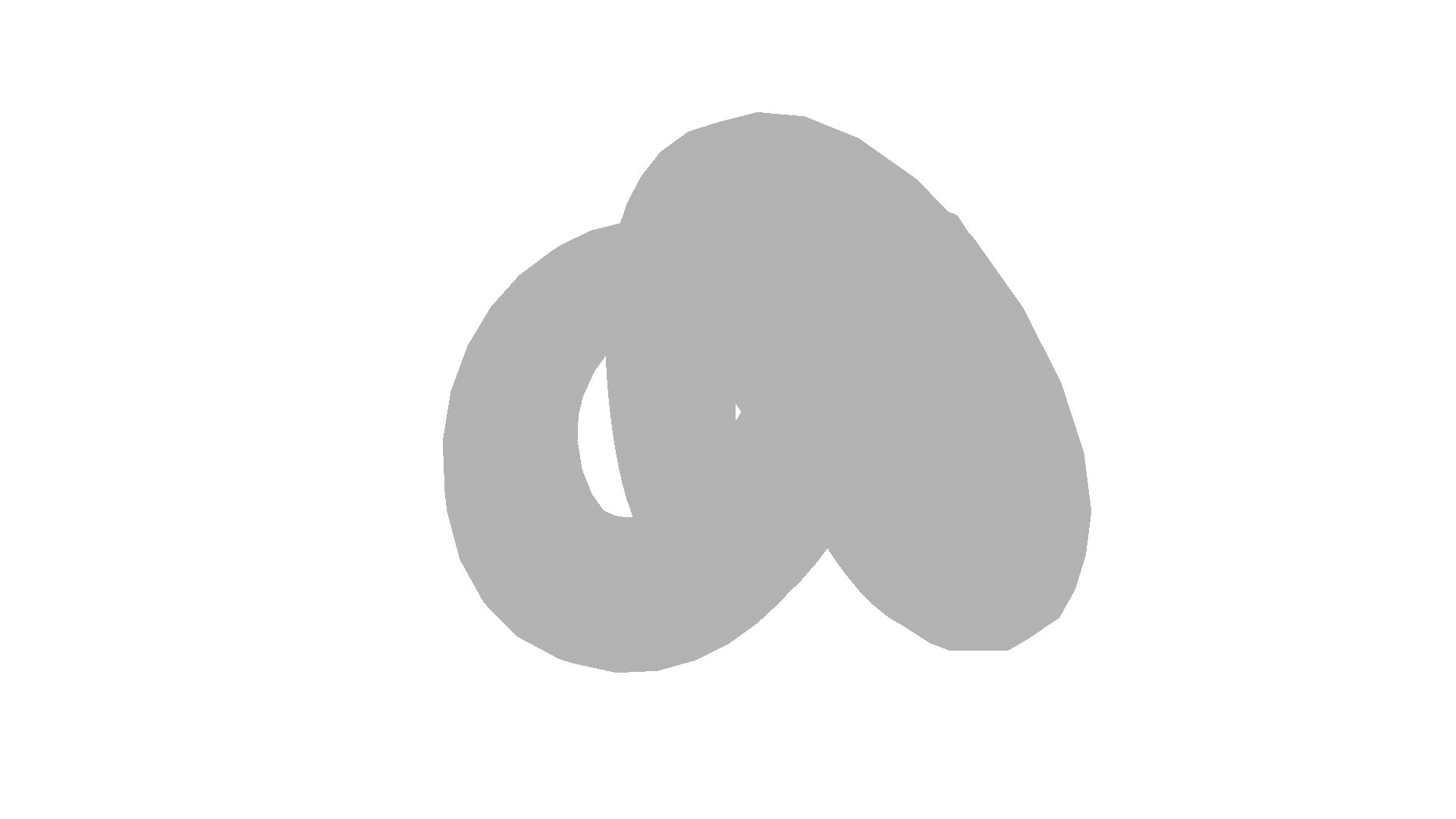
Try to render a mesh with normals (exist: False) and colors (exist: False)[Open3D WARNING] GLFW Error: Failed to detect any supported platform[Open3D WARNING] GLFW initialized for headless rendering.A mesh with no normals and no colors does not look good.你可以旋转和移动该网格,但它被绘制为统一的灰色,看起来不像 3D 的。原因是当前网格没有顶点或面法向量(normal),因此使用了统一颜色着色(uniform color shading),而不是更精细的 Phong 着色(Phong shading)。
表面法向量估计
Section titled “表面法向量估计”让我们绘制带表面法向量(surface normal)的网格。
print("Computing normal and rendering it.")mesh.compute_vertex_normals()print(np.asarray(mesh.triangle_normals))o3d.visualization.draw_geometries([mesh])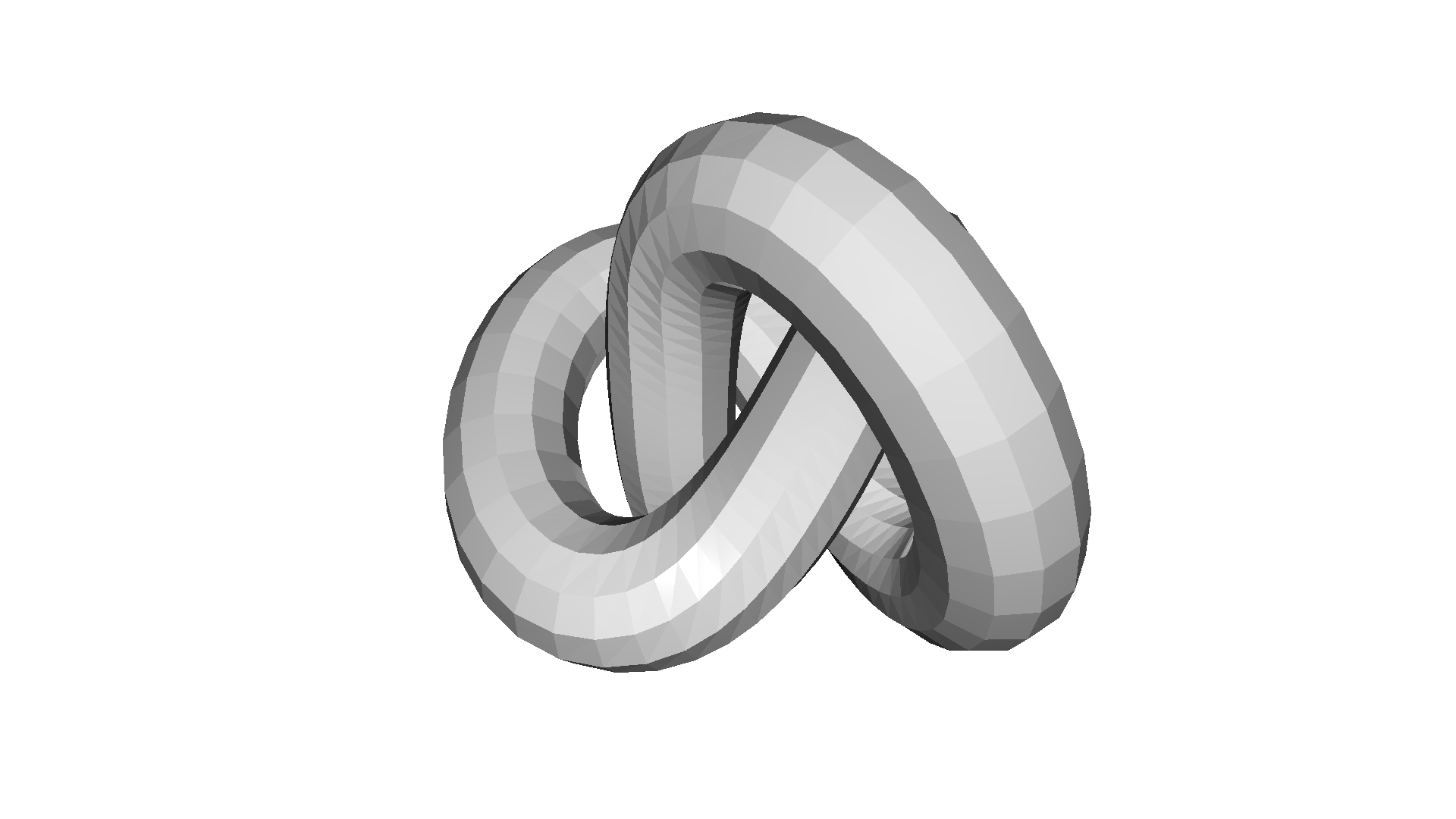
Computing normal and rendering it.[[ 0.79164373 -0.53951444 0.28674793] [ 0.8319824 -0.53303008 0.15389681] [ 0.83488162 -0.09250101 0.54260136] ... [ 0.16269924 -0.76215917 -0.6266118 ] [ 0.52755226 -0.83707495 -0.14489352] [ 0.56778973 -0.76467734 -0.30476777]][Open3D WARNING] GLFW initialized for headless rendering.这里使用了 compute_vertex_normals 和 paint_uniform_color,它们都是 mesh 的成员函数。
我们通过直接操作网格的 triangles 和 triangle_normals 数据字段来移除一半表面。这是通过 NumPy 完成的。
print("We make a partial mesh of only the first half triangles.")mesh1 = copy.deepcopy(mesh)mesh1.triangles = o3d.utility.Vector3iVector( np.asarray(mesh1.triangles)[:len(mesh1.triangles) // 2, :])mesh1.triangle_normals = o3d.utility.Vector3dVector( np.asarray(mesh1.triangle_normals)[:len(mesh1.triangle_normals) // 2, :])print(mesh1.triangles)o3d.visualization.draw_geometries([mesh1])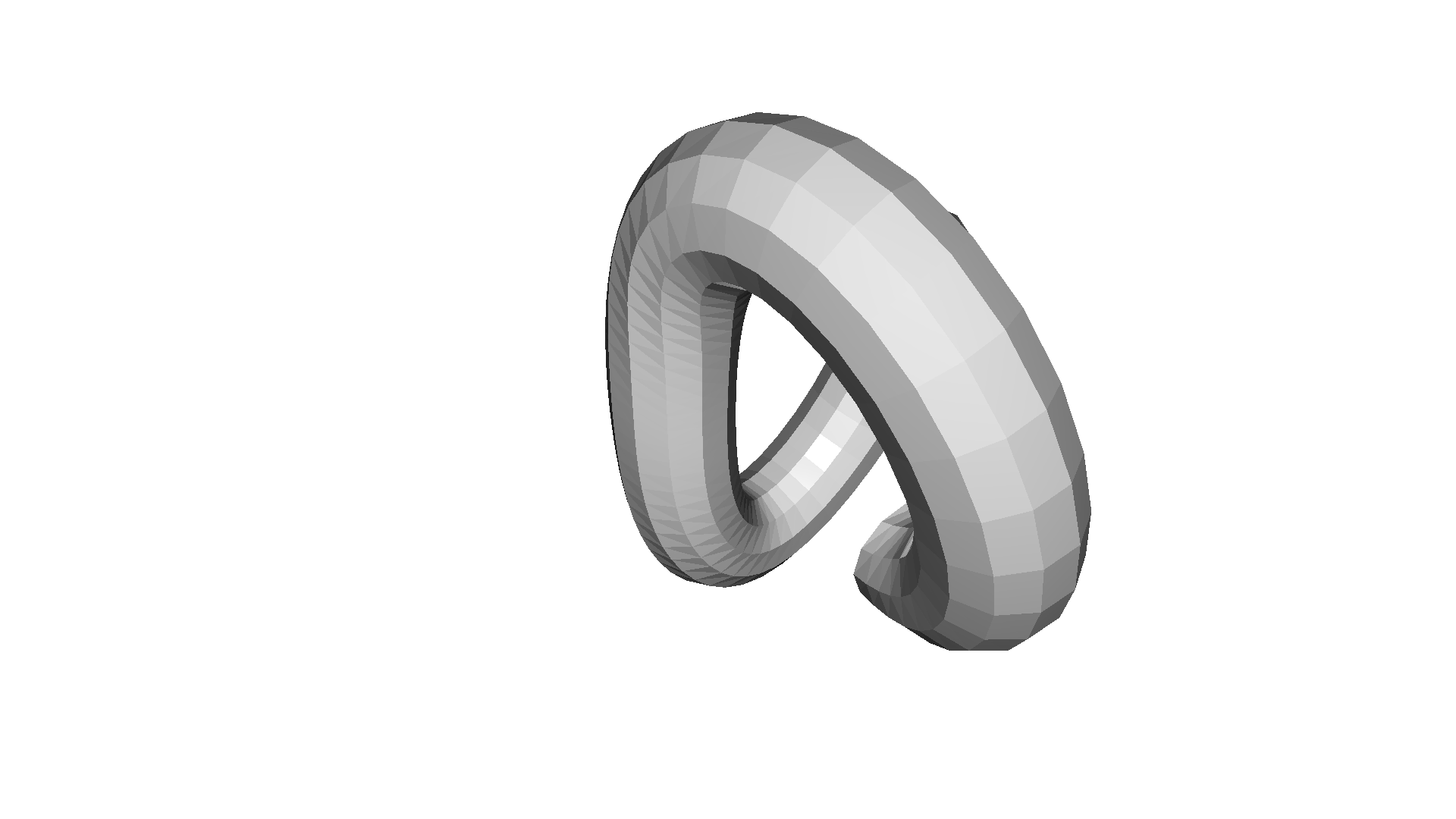
We make a partial mesh of only the first half triangles.std::vector<Eigen::Vector3i> with 1440 elements.Use numpy.asarray() to access data.[Open3D WARNING] GLFW initialized for headless rendering.paint_uniform_color 用统一颜色绘制网格。颜色在 RGB 空间中,取值范围为 [0, 1]。
print("Painting the mesh")mesh1.paint_uniform_color([1, 0.706, 0])o3d.visualization.draw_geometries([mesh1])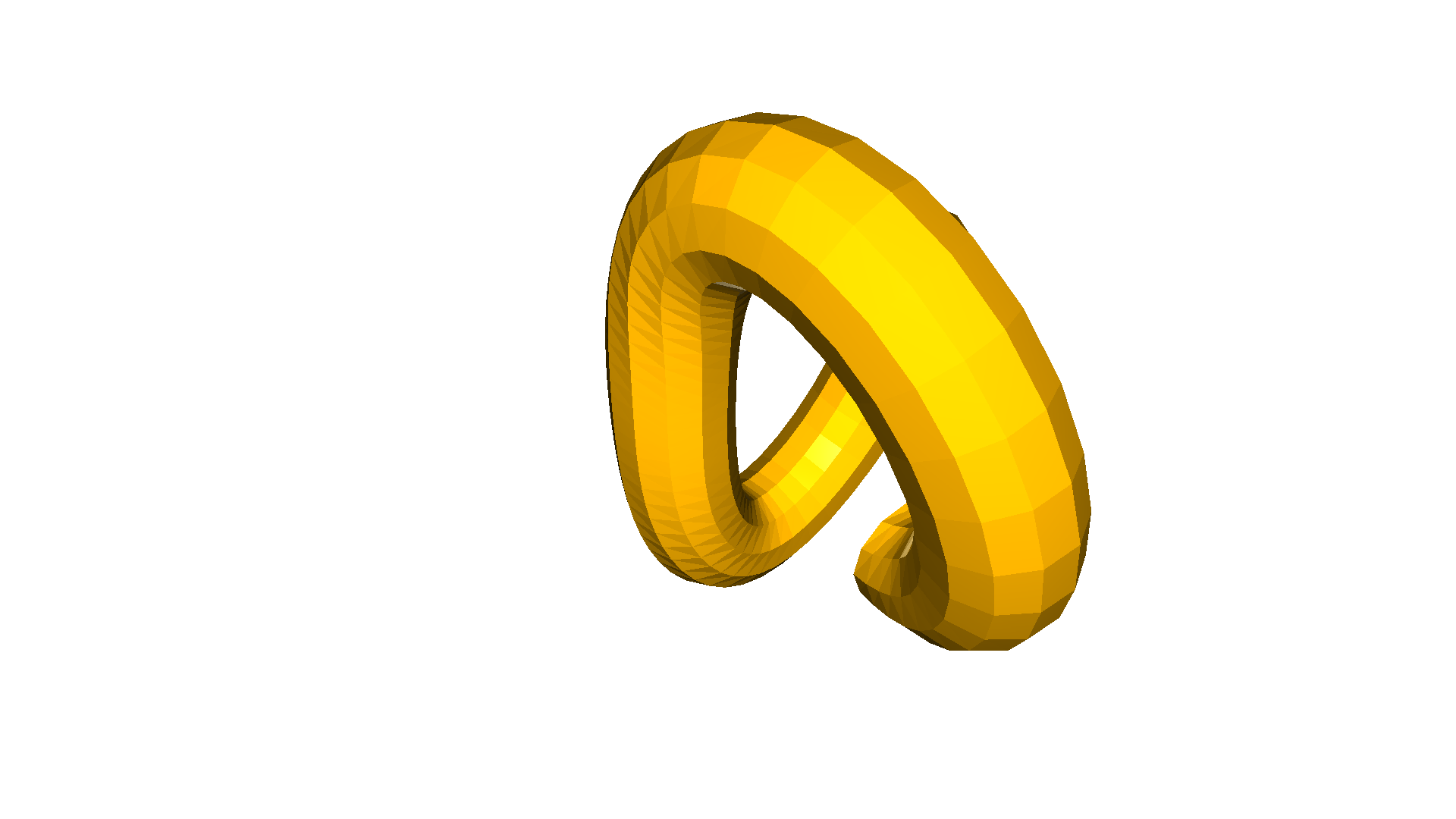
Painting the mesh[Open3D WARNING] GLFW initialized for headless rendering.三角网格有几个可以用 Open3D 测试的属性。其中一个重要的属性是流形(manifold)属性,我们可以测试三角网格是否边流形(edge manifold,is_edge_manifold)以及是否点流形(vertex manifold,is_vertex_manifold)。如果每条边只界定了恰好一个或两个三角形,则该三角网格是边流形的。函数 is_edge_manifold 有一个布尔参数 allow_boundary_edges,用于定义是否允许边界边(boundary edge)。进一步地,如果一个顶点的星形(star)是边流形且边连通的(例如两个或更多面只通过一个顶点而不通过一条边相连),则该三角网格是点流形的。
另一个属性是自相交(self-intersection)测试。如果网格中存在一个三角形与另一个三角形相交,函数 is_self_intersecting 就会返回 True。一个水密网格(watertight mesh)可以定义为边流形、点流形且不自相交的网格。Open3D 中的 is_watertight 函数实现了这一检查。
我们还可以测试三角网格是否可定向(orientable),即是否可以将三角形定向为所有法向量都指向外侧。Open3D 中相应的函数称为 is_orientable。
下面的代码针对若干三角网格测试了这些属性,并将结果可视化。非流形边显示为红色,边界边显示为绿色,非流形顶点显示为绿色点,自相交三角形显示为粉色。
def check_properties(name, mesh):    mesh.compute_vertex_normals()
    edge_manifold = mesh.is_edge_manifold(allow_boundary_edges=True)    edge_manifold_boundary = mesh.is_edge_manifold(allow_boundary_edges=False)    vertex_manifold = mesh.is_vertex_manifold()    self_intersecting = mesh.is_self_intersecting()    watertight = mesh.is_watertight()    orientable = mesh.is_orientable()
    print(name)    print(f"  edge_manifold:          {edge_manifold}")    print(f"  edge_manifold_boundary: {edge_manifold_boundary}")    print(f"  vertex_manifold:        {vertex_manifold}")    print(f"  self_intersecting:      {self_intersecting}")    print(f"  watertight:             {watertight}")    print(f"  orientable:             {orientable}")
    geoms = [mesh]    if not edge_manifold:        edges = mesh.get_non_manifold_edges(allow_boundary_edges=True)        geoms.append(o3dtut.edges_to_lineset(mesh, edges, (1, 0, 0)))    if not edge_manifold_boundary:        edges = mesh.get_non_manifold_edges(allow_boundary_edges=False)        geoms.append(o3dtut.edges_to_lineset(mesh, edges, (0, 1, 0)))    if not vertex_manifold:        verts = np.asarray(mesh.get_non_manifold_vertices())        pcl = o3d.geometry.PointCloud(            points=o3d.utility.Vector3dVector(np.asarray(mesh.vertices)[verts]))        pcl.paint_uniform_color((0, 0, 1))        geoms.append(pcl)    if self_intersecting:        intersecting_triangles = np.asarray(            mesh.get_self_intersecting_triangles())        intersecting_triangles = intersecting_triangles[0:1]        intersecting_triangles = np.unique(intersecting_triangles)        print("  # visualize self-intersecting triangles")        triangles = np.asarray(mesh.triangles)[intersecting_triangles]        edges = [            np.vstack((triangles[:, i], triangles[:, j]))            for i, j in [(0, 1), (1, 2), (2, 0)]        ]        edges = np.hstack(edges).T        edges = o3d.utility.Vector2iVector(edges)        geoms.append(o3dtut.edges_to_lineset(mesh, edges, (1, 0, 1)))    o3d.visualization.draw_geometries(geoms, mesh_show_back_face=True)
knot_mesh_data = o3d.data.KnotMesh()knot_mesh = o3d.io.read_triangle_mesh(knot_mesh_data.path)check_properties('KnotMesh', knot_mesh)check_properties('Mobius', o3d.geometry.TriangleMesh.create_mobius(twists=1))check_properties("non-manifold edge", o3dtut.get_non_manifold_edge_mesh())check_properties("non-manifold vertex", o3dtut.get_non_manifold_vertex_mesh())check_properties("open box", o3dtut.get_open_box_mesh())check_properties("intersecting_boxes", o3dtut.get_intersecting_boxes_mesh())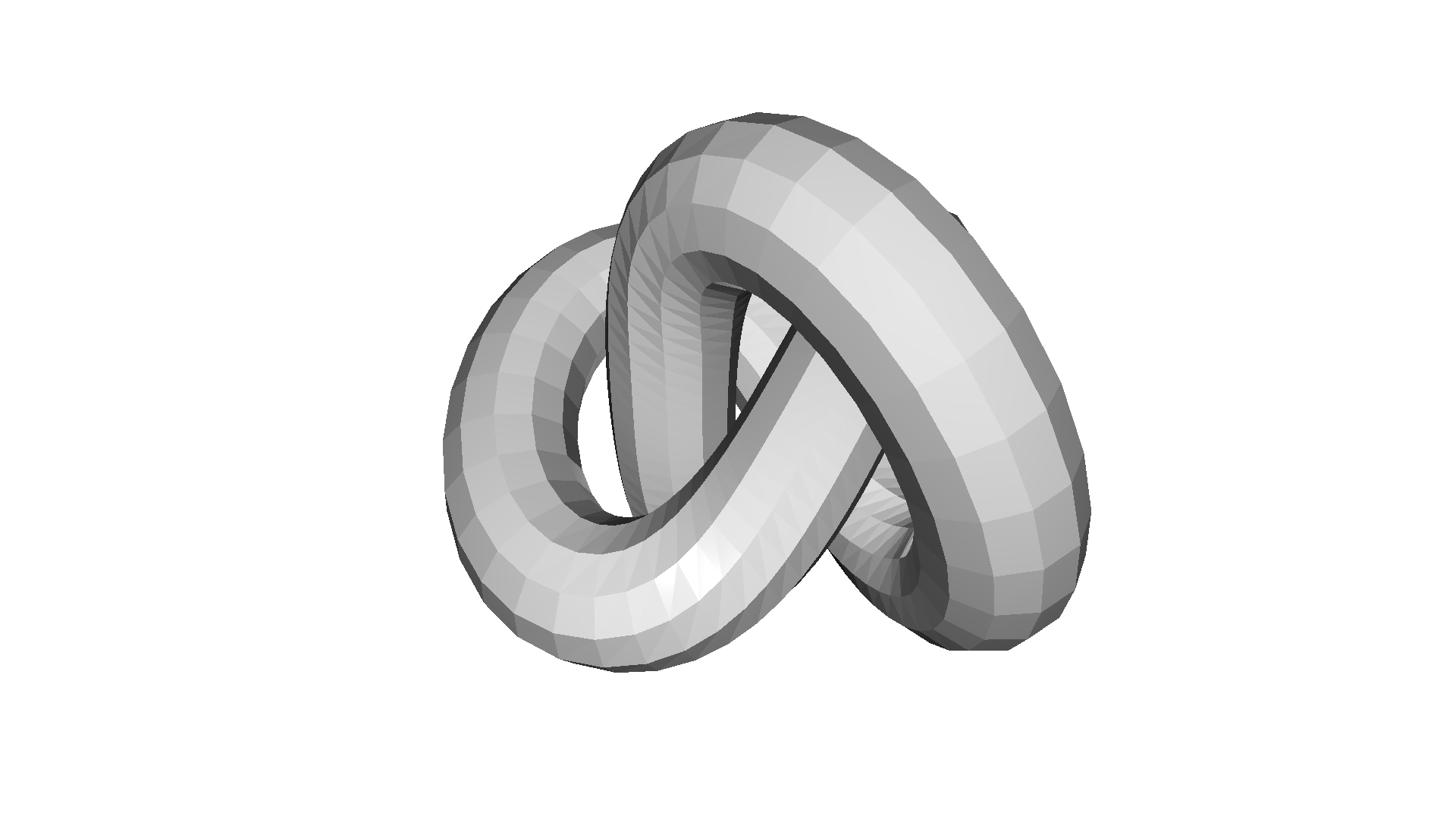
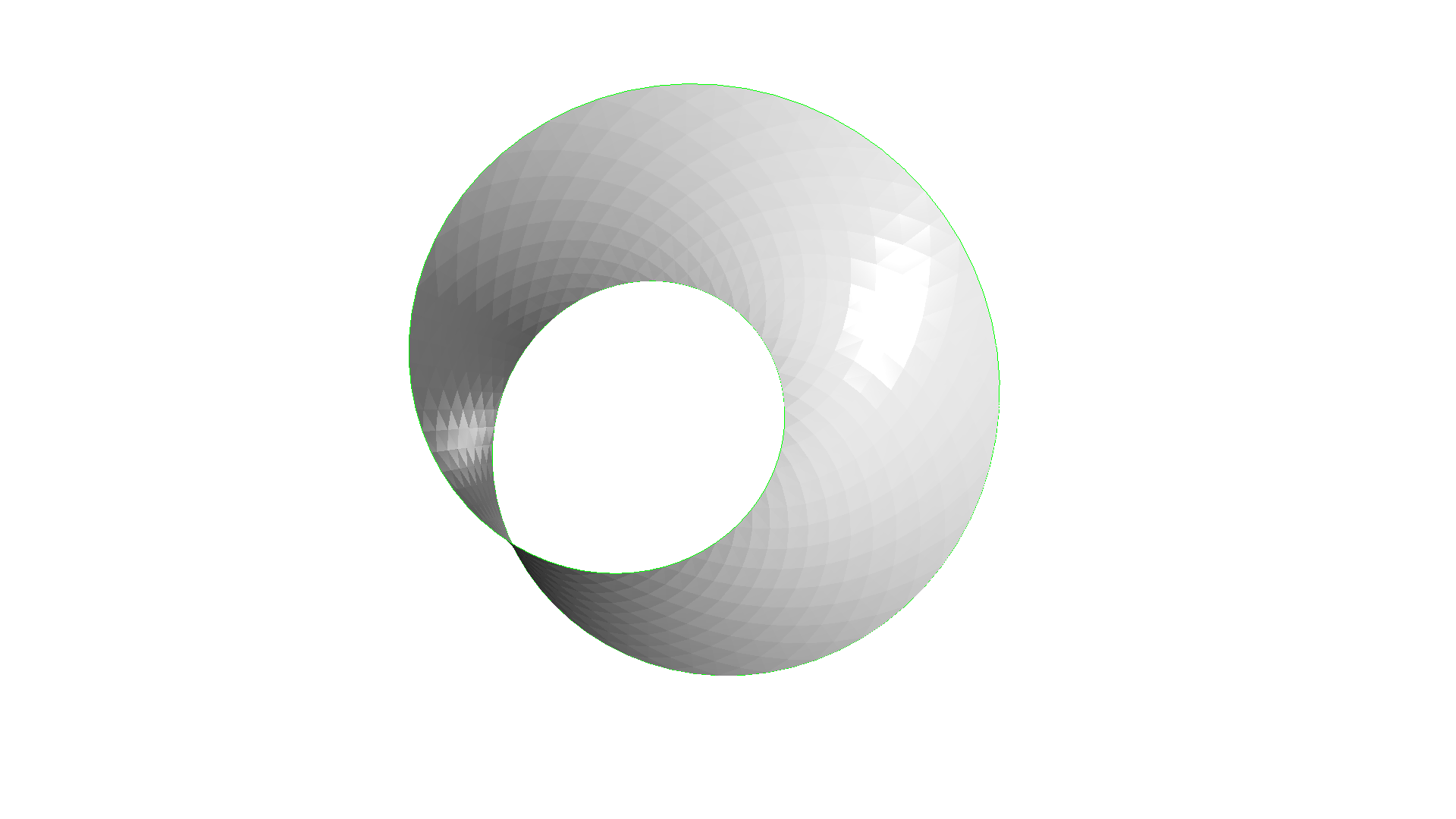
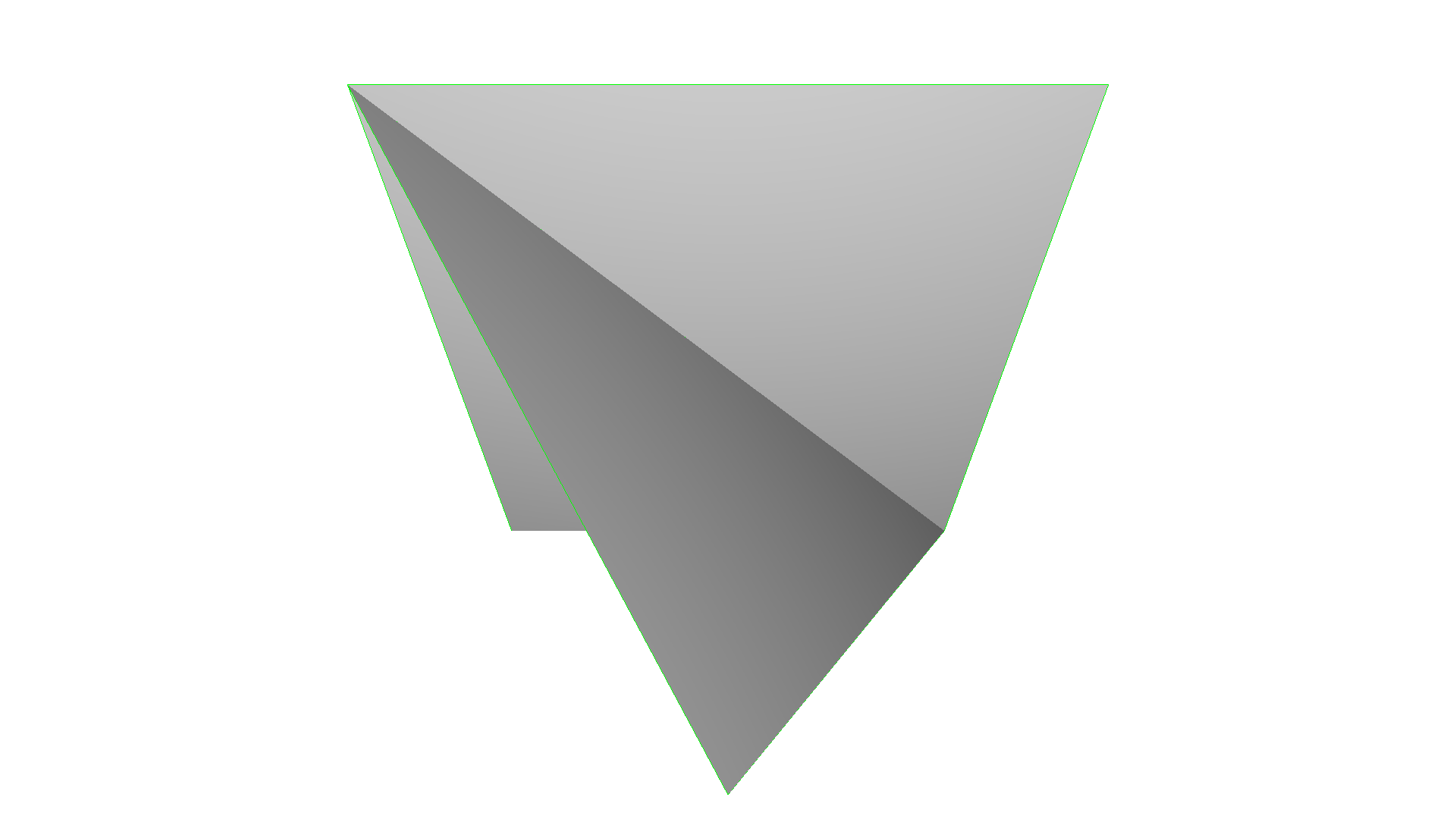
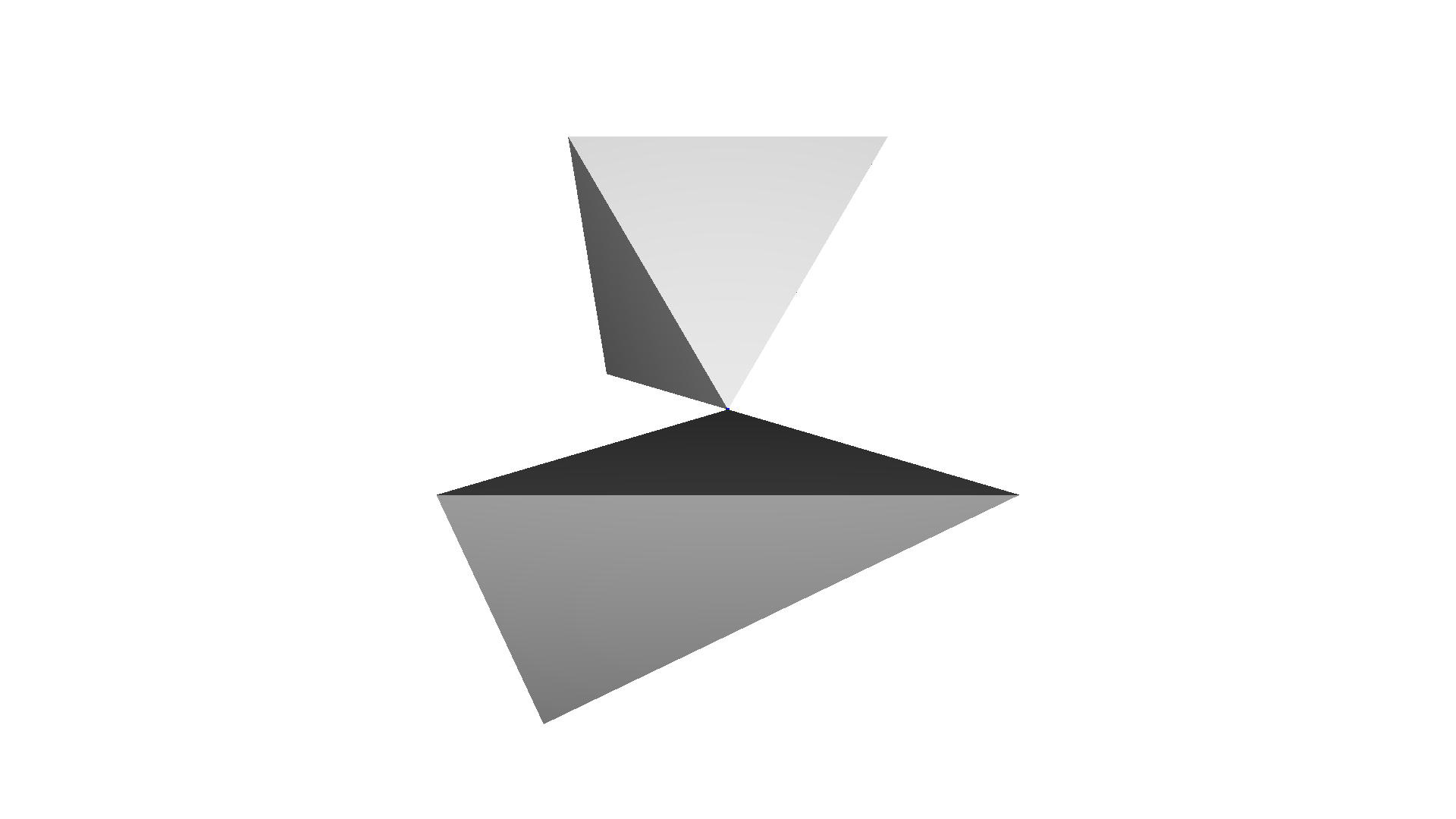
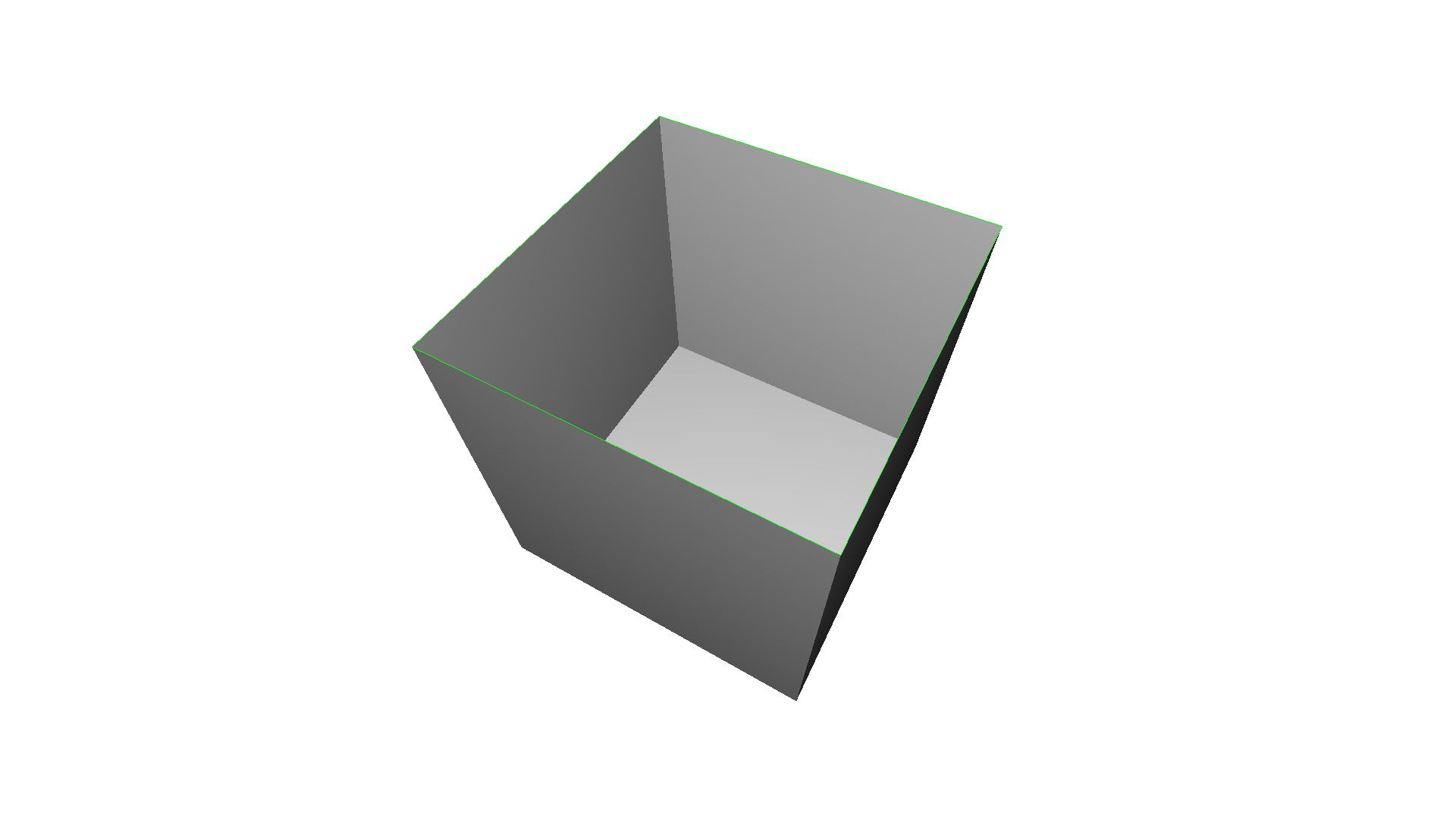
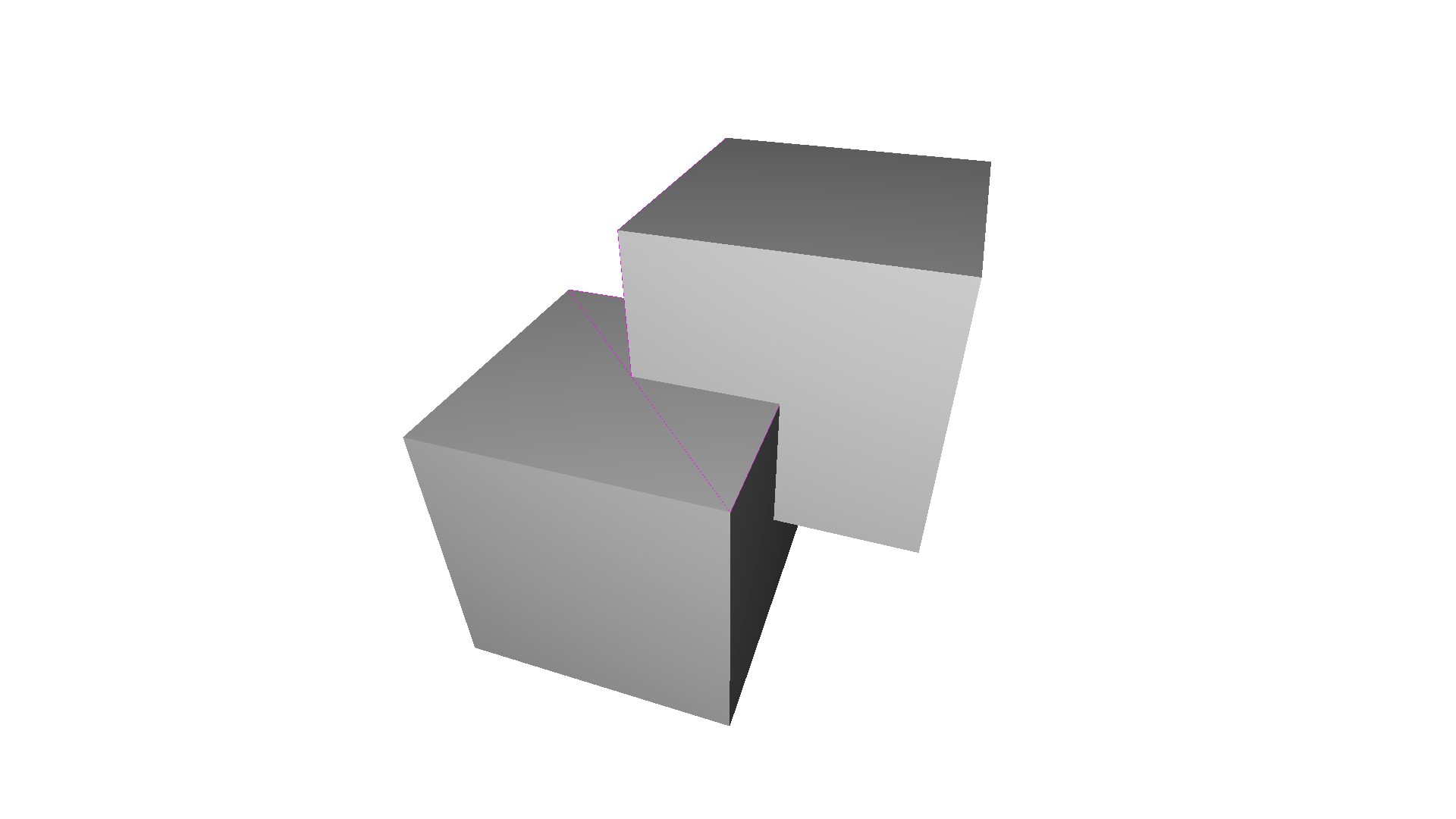
KnotMesh edge_manifold: True edge_manifold_boundary: True vertex_manifold: True self_intersecting: False watertight: True orientable: True[Open3D WARNING] GLFW initialized for headless rendering.Mobius edge_manifold: True edge_manifold_boundary: False vertex_manifold: True self_intersecting: False watertight: False orientable: False[Open3D WARNING] GLFW initialized for headless rendering.non-manifold edge edge_manifold: False edge_manifold_boundary: False vertex_manifold: True self_intersecting: False watertight: False orientable: True[Open3D WARNING] GLFW initialized for headless rendering.non-manifold vertex edge_manifold: True edge_manifold_boundary: True vertex_manifold: False self_intersecting: False watertight: False orientable: True[Open3D WARNING] GLFW initialized for headless rendering.open box edge_manifold: True edge_manifold_boundary: False vertex_manifold: True self_intersecting: False watertight: False orientable: True[Open3D WARNING] GLFW initialized for headless rendering.intersecting_boxes edge_manifold: True edge_manifold_boundary: True vertex_manifold: True self_intersecting: True watertight: False orientable: True # visualize self-intersecting triangles[Open3D WARNING] GLFW initialized for headless rendering.Open3D 包含多种对网格进行滤波(filtering)的方法。下面我们展示用于平滑带噪三角网格的已实现滤波器。
最简单的滤波器是均值滤波器(average filter)。给定的顶点 \(v_i\) 由相邻顶点 \(\mathcal{N}\) 的平均值给出:
v_i = (v_i + Σ_{n ∈ N} v_n) / (|N| + 1)该滤波器可用于对网格去噪,如下面的代码所示。函数 filter_smooth_simple 中的参数 number_of_iterations 定义了该滤波器应用于网格的次数。
print('create noisy mesh')knot_mesh = o3d.data.KnotMesh()mesh_in = o3d.io.read_triangle_mesh(knot_mesh.path)vertices = np.asarray(mesh_in.vertices)noise = 5vertices += np.random.uniform(0, noise, size=vertices.shape)mesh_in.vertices = o3d.utility.Vector3dVector(vertices)mesh_in.compute_vertex_normals()o3d.visualization.draw_geometries([mesh_in])
print('filter with average with 1 iteration')mesh_out = mesh_in.filter_smooth_simple(number_of_iterations=1)mesh_out.compute_vertex_normals()o3d.visualization.draw_geometries([mesh_out])
print('filter with average with 5 iterations')mesh_out = mesh_in.filter_smooth_simple(number_of_iterations=5)mesh_out.compute_vertex_normals()o3d.visualization.draw_geometries([mesh_out])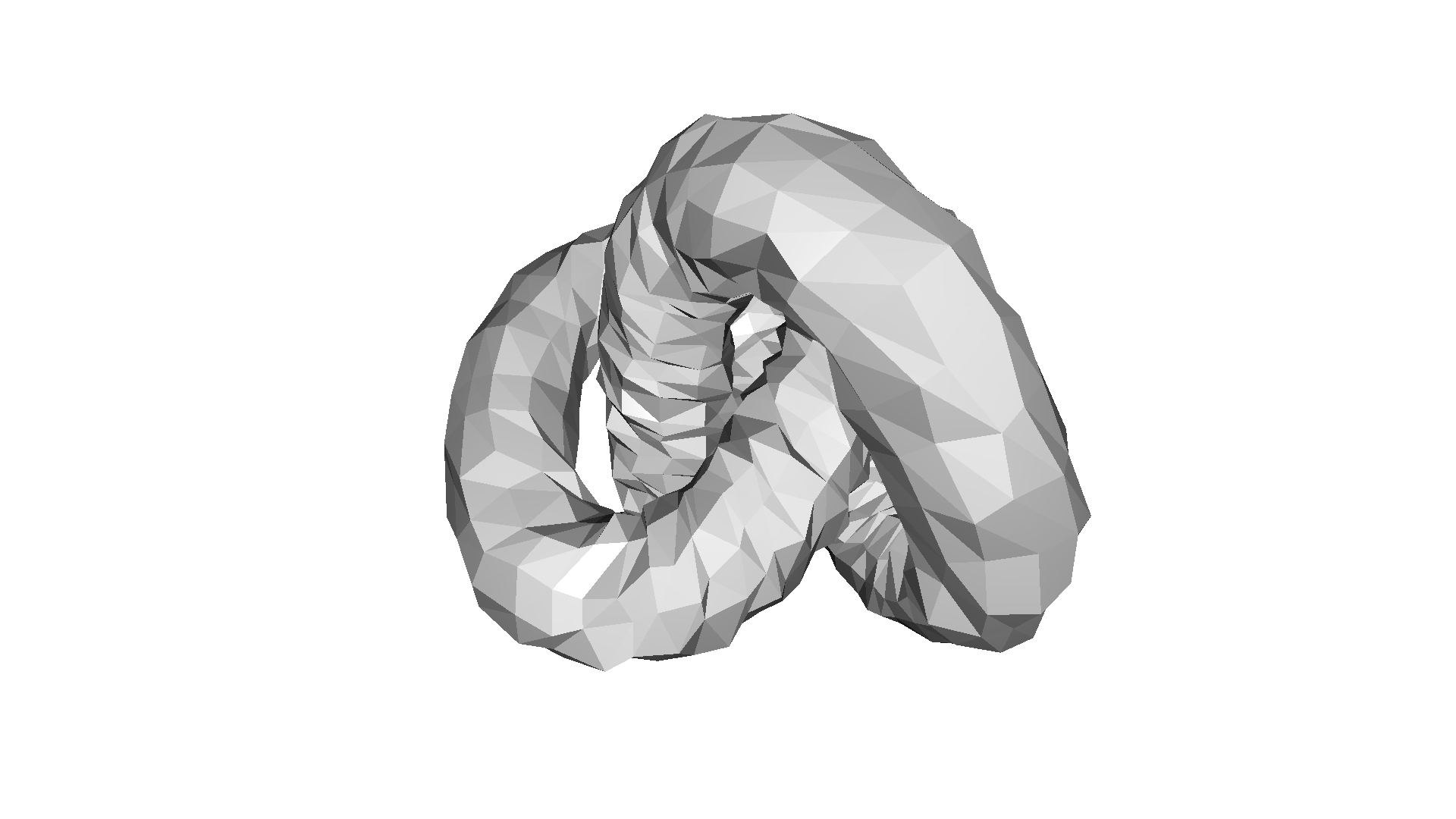
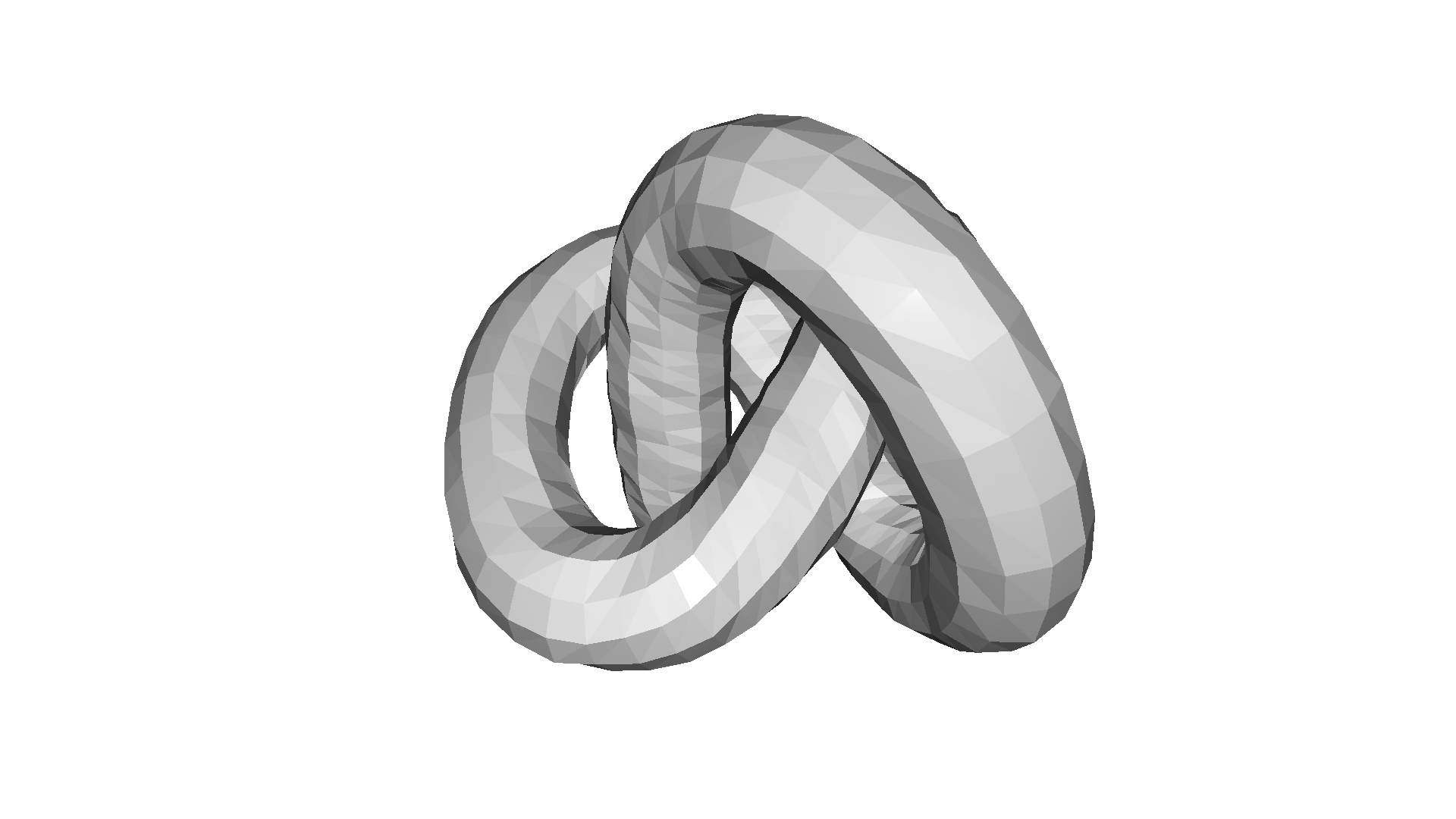
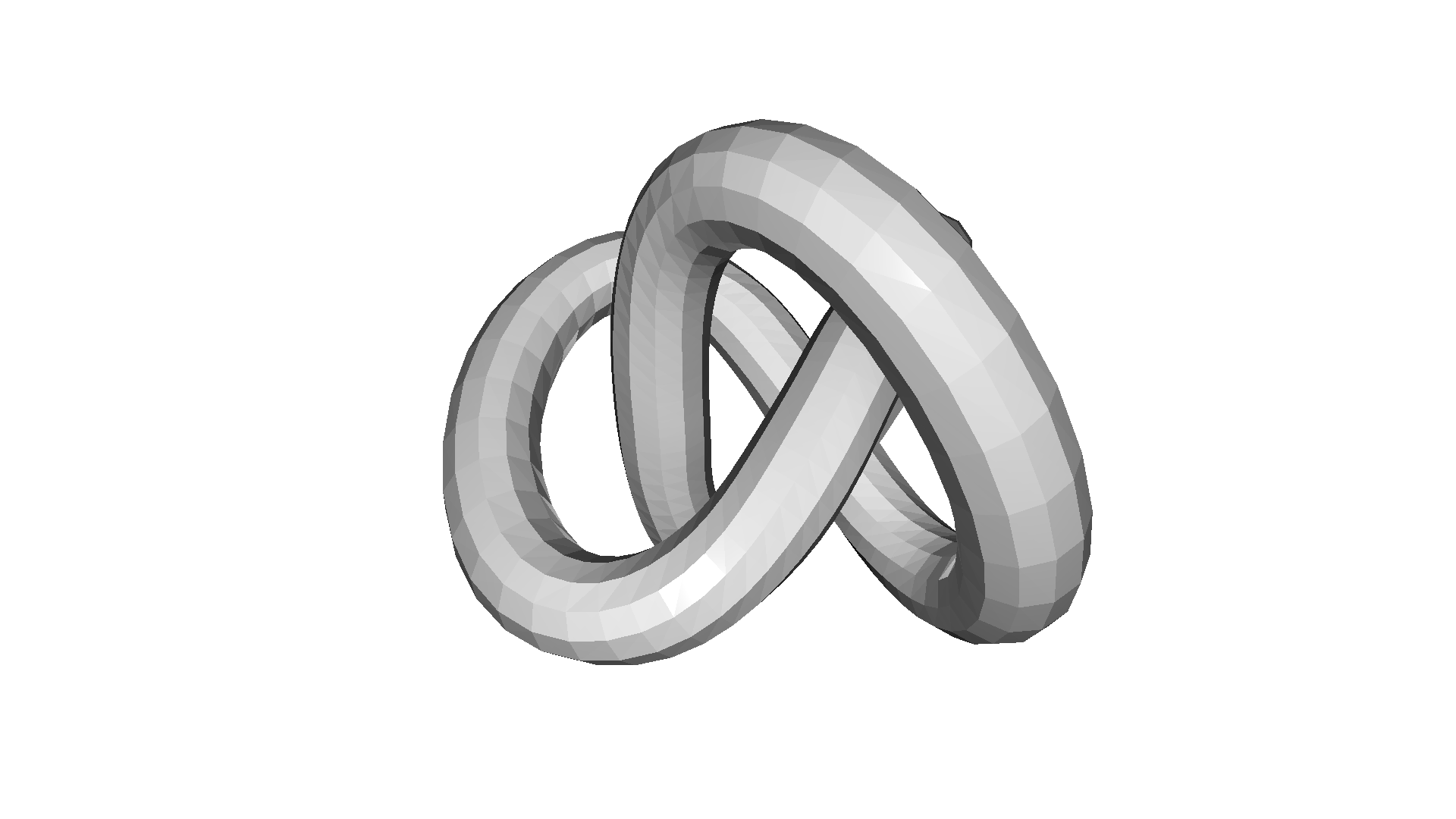
create noisy mesh[Open3D WARNING] GLFW initialized for headless rendering.filter with average with 1 iteration[Open3D WARNING] GLFW initialized for headless rendering.filter with average with 5 iterations[Open3D WARNING] GLFW initialized for headless rendering.拉普拉斯滤波
Section titled “拉普拉斯滤波”另一个重要的网格滤波器是拉普拉斯(Laplacian)滤波器,定义为:
v_i = v_i + λ · Σ_{n ∈ N} w_n · (v_n - v_i)其中 (\lambda) 是滤波强度,(w_n) 是与相邻顶点距离相关的归一化权重。该滤波器在 filter_smooth_laplacian 中实现,参数为 number_of_iterations 和 lambda。
print('filter with Laplacian with 10 iterations')mesh_out = mesh_in.filter_smooth_laplacian(number_of_iterations=10)mesh_out.compute_vertex_normals()o3d.visualization.draw_geometries([mesh_out])
print('filter with Laplacian with 50 iterations')mesh_out = mesh_in.filter_smooth_laplacian(number_of_iterations=50)mesh_out.compute_vertex_normals()o3d.visualization.draw_geometries([mesh_out])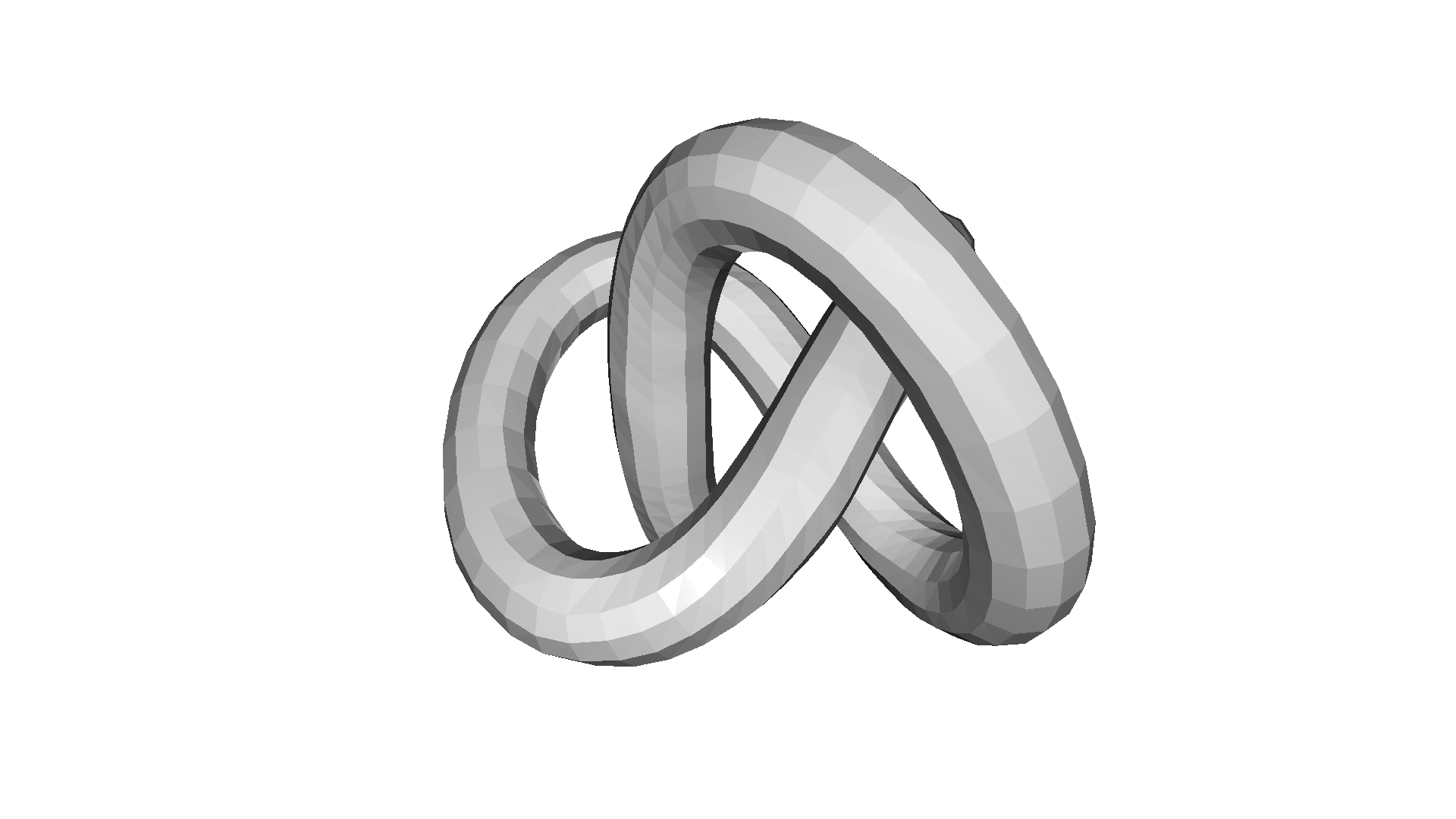
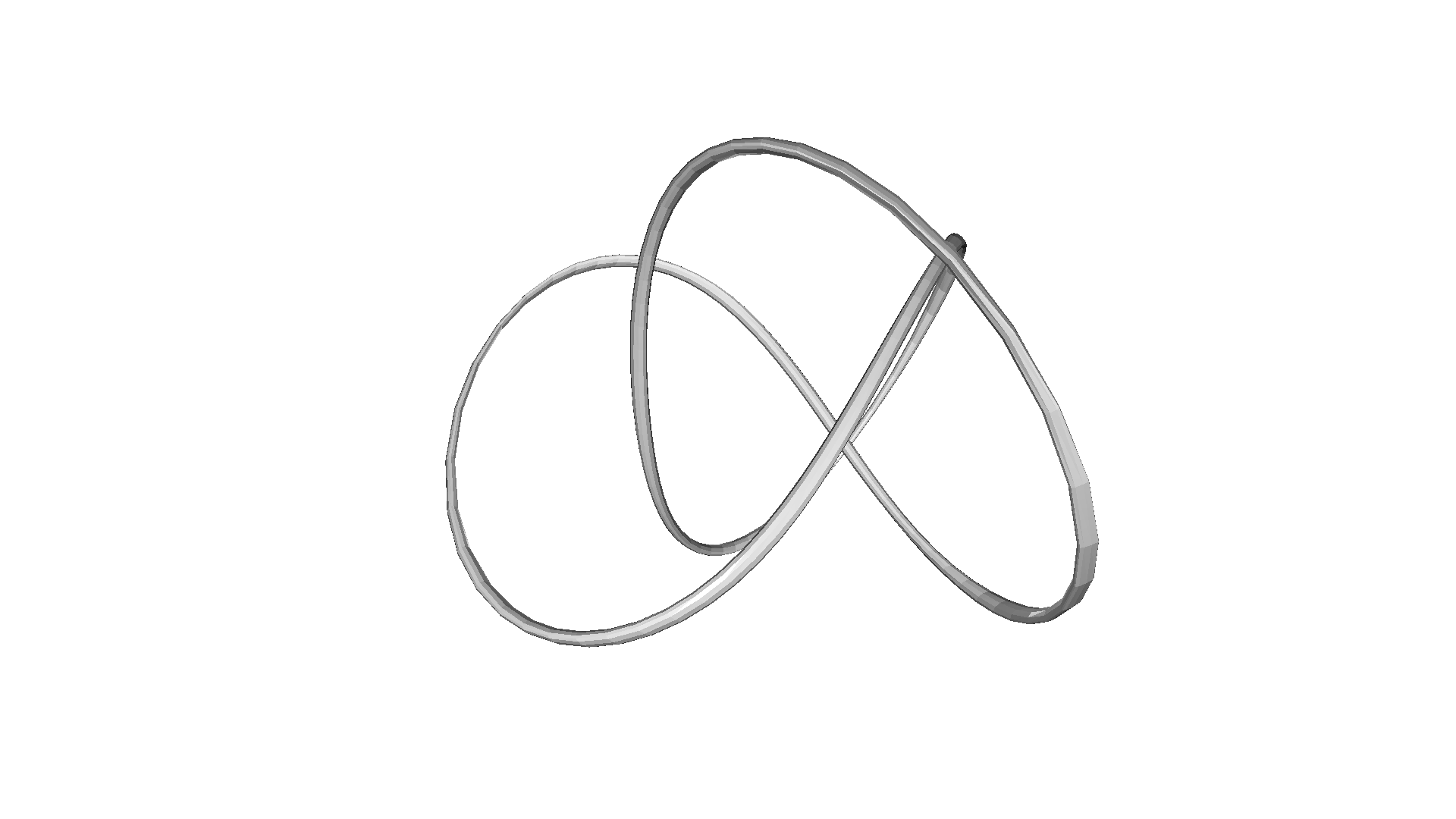
filter with Laplacian with 10 iterations[Open3D WARNING] GLFW initialized for headless rendering.filter with Laplacian with 50 iterations[Open3D WARNING] GLFW initialized for headless rendering.Taubin 滤波
Section titled “Taubin 滤波”均值滤波和拉普拉斯滤波的问题在于它们会导致三角网格收缩。[Taubin1995] 指出,应用两个具有不同 (\lambda) 参数的拉普拉斯滤波器可以防止网格收缩。该滤波器在 filter_smooth_taubin 中实现。
print('filter with Taubin with 10 iterations')mesh_out = mesh_in.filter_smooth_taubin(number_of_iterations=10)mesh_out.compute_vertex_normals()o3d.visualization.draw_geometries([mesh_out])
print('filter with Taubin with 100 iterations')mesh_out = mesh_in.filter_smooth_taubin(number_of_iterations=100)mesh_out.compute_vertex_normals()o3d.visualization.draw_geometries([mesh_out])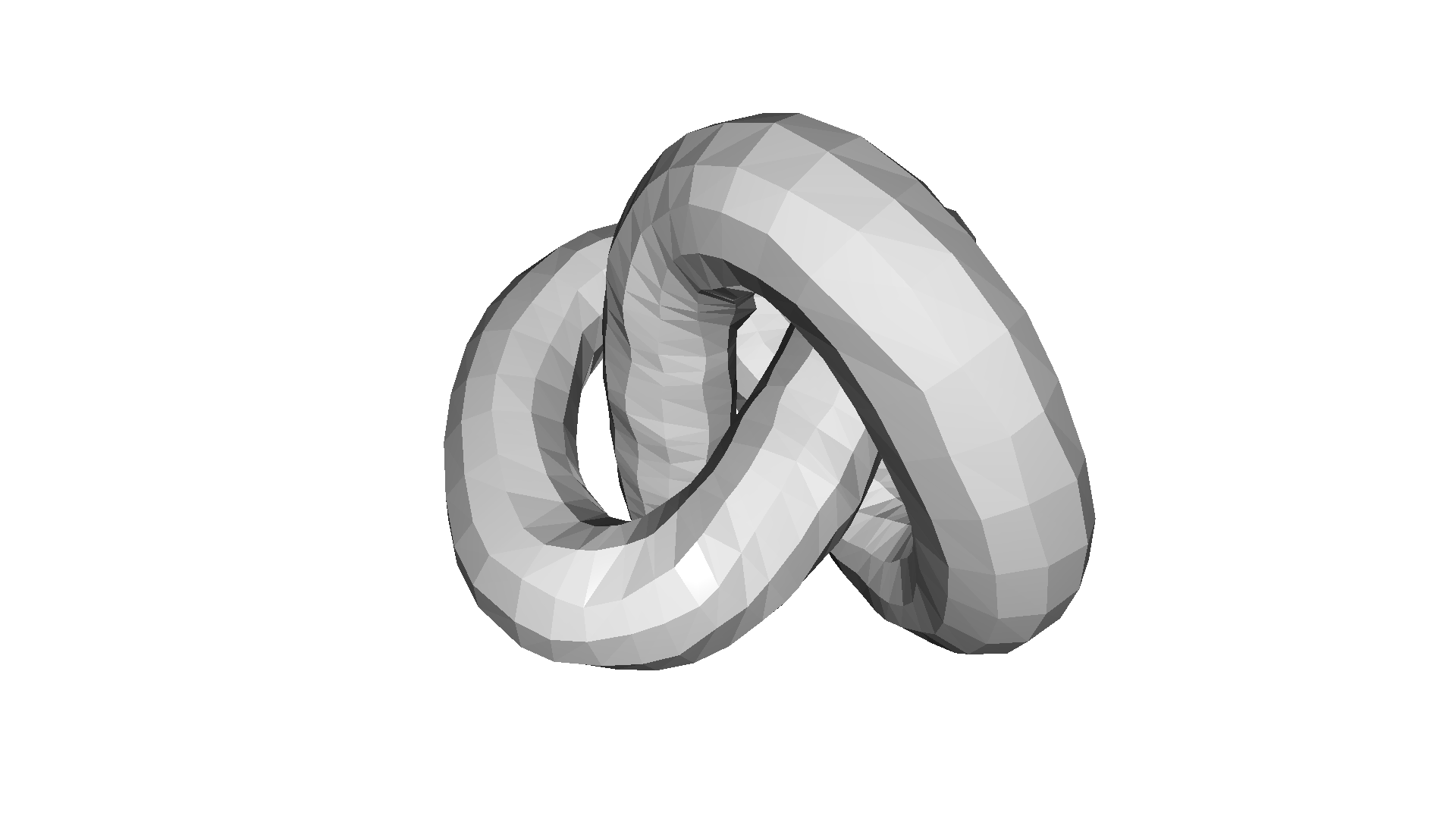
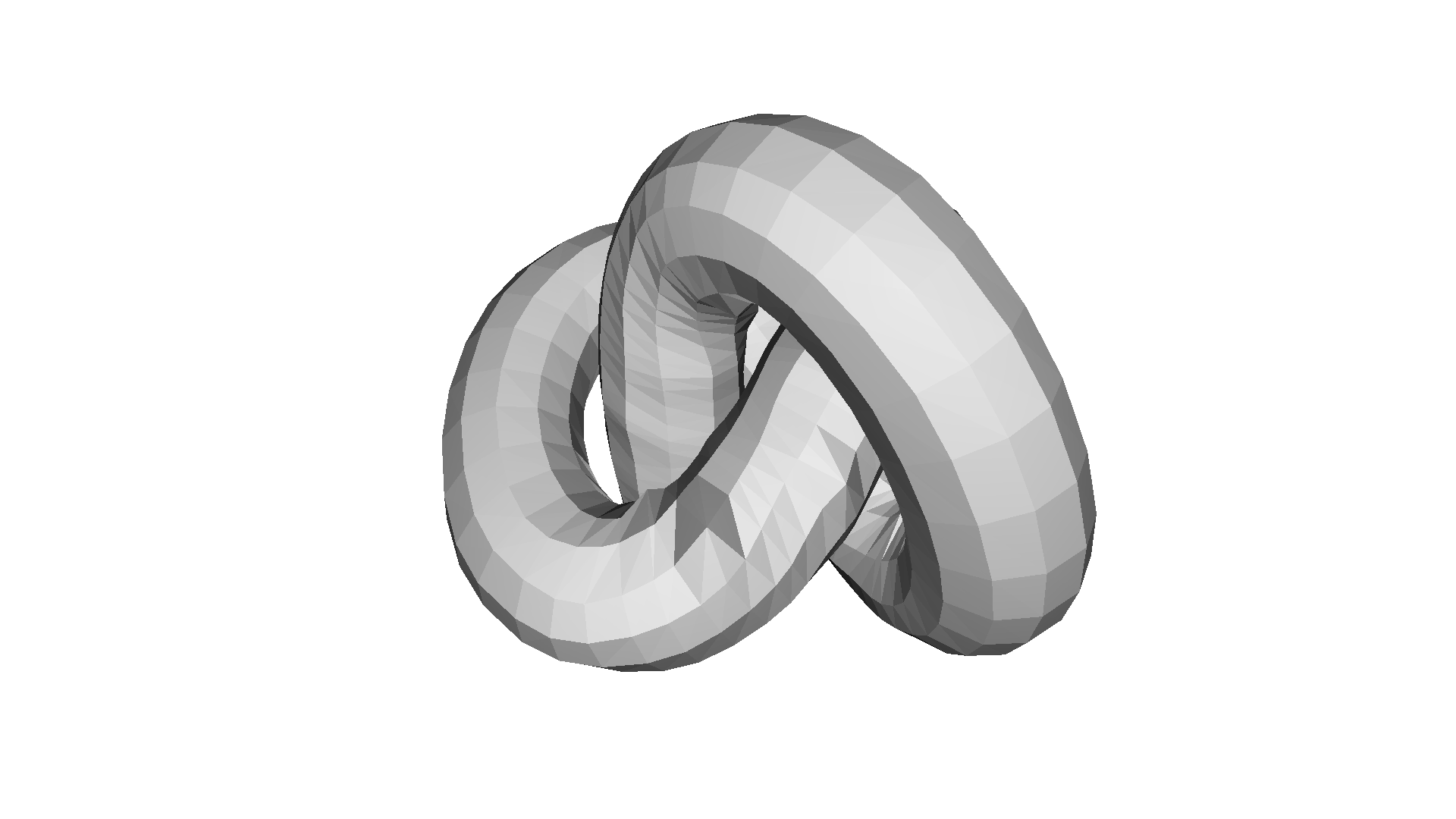
filter with Taubin with 10 iterations[Open3D WARNING] GLFW initialized for headless rendering.filter with Taubin with 100 iterations[Open3D WARNING] GLFW initialized for headless rendering.Open3D 包含从三角网格采样点云的函数。最简单的方法是 sample_points_uniformly,它根据三角形面积从 3D 表面均匀采样点。参数 number_of_points 定义从三角形表面采样的点数。
mesh = o3d.geometry.TriangleMesh.create_sphere()mesh.compute_vertex_normals()o3d.visualization.draw_geometries([mesh])pcd = mesh.sample_points_uniformly(number_of_points=500)o3d.visualization.draw_geometries([pcd])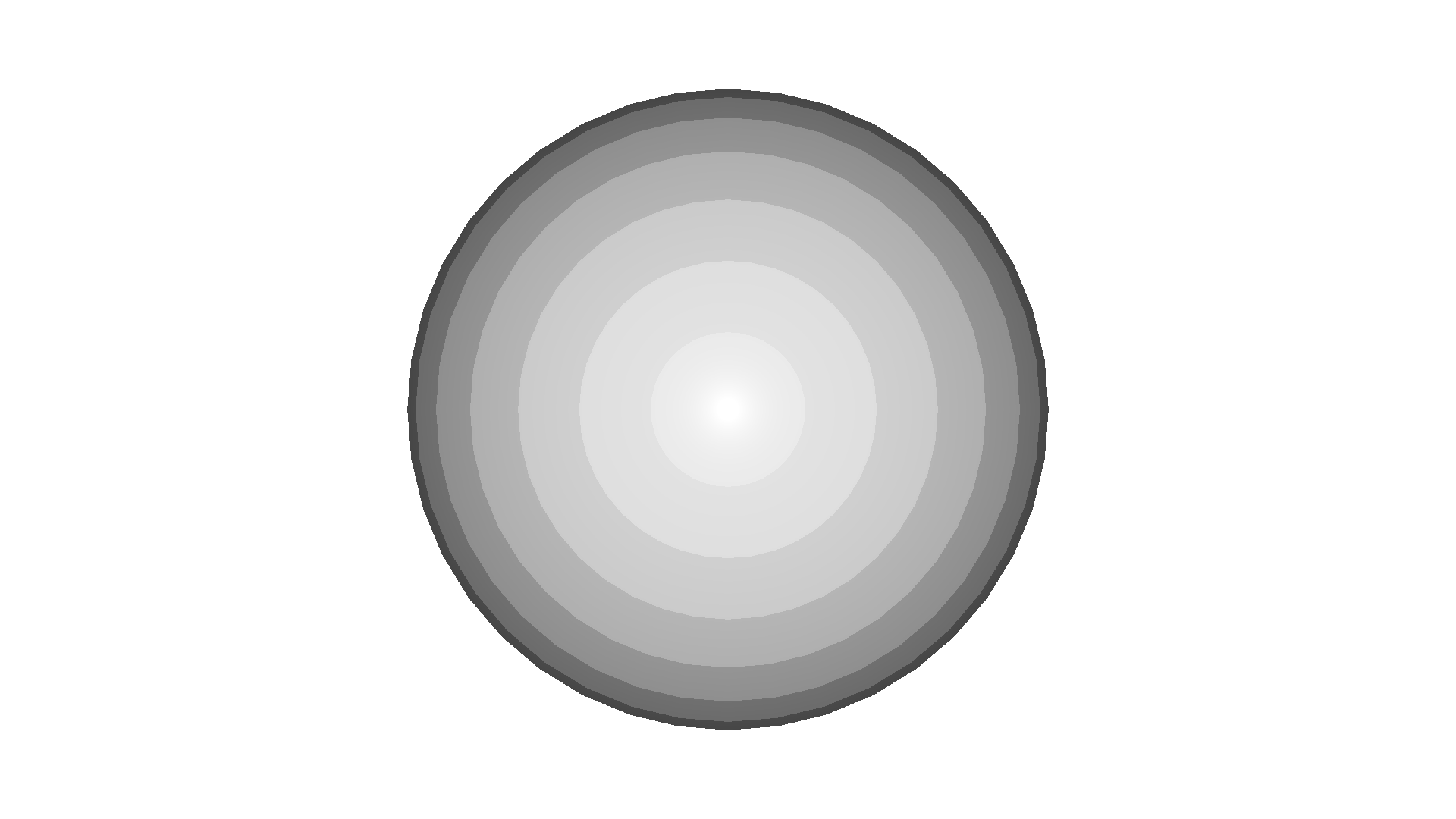
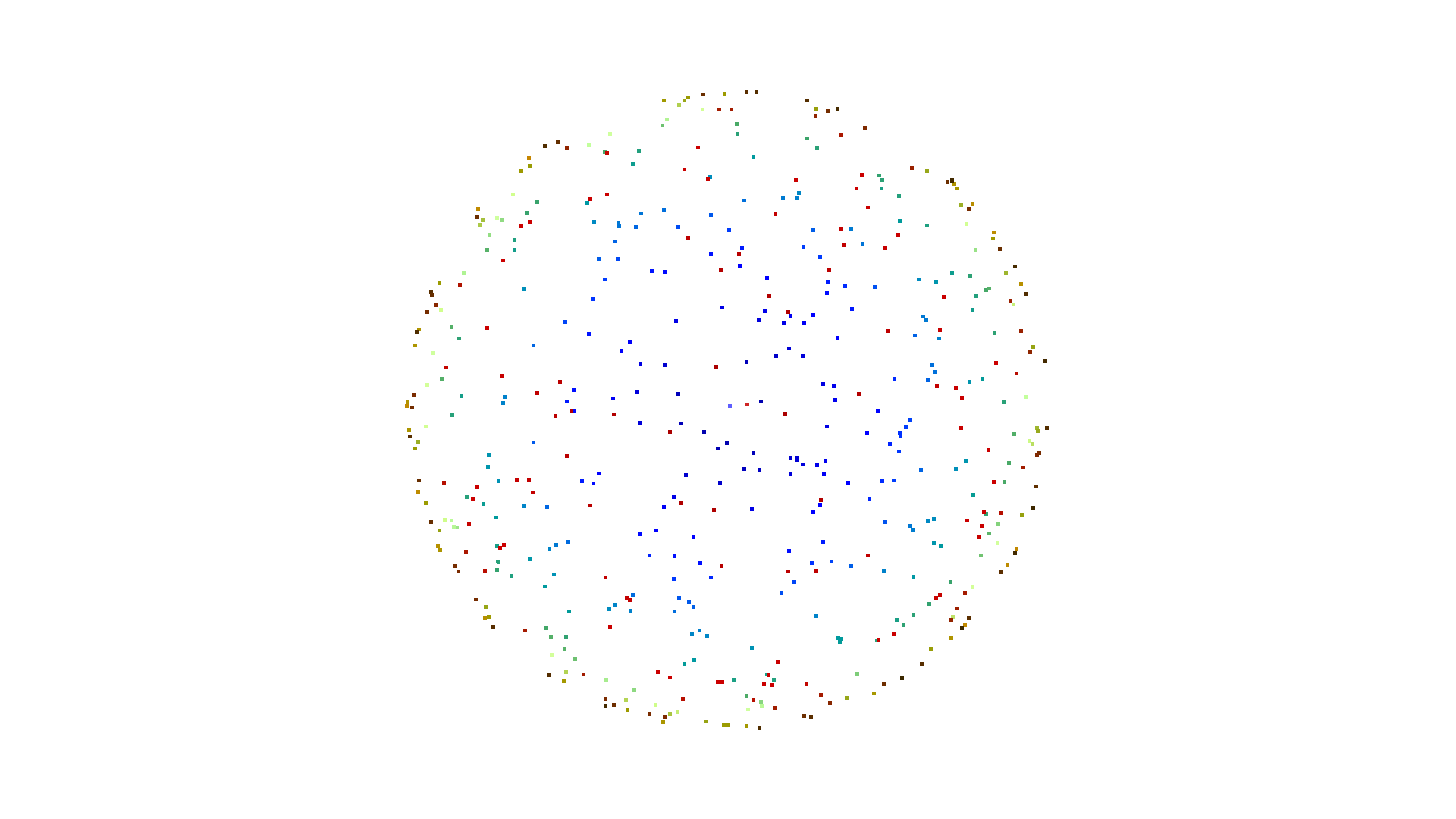
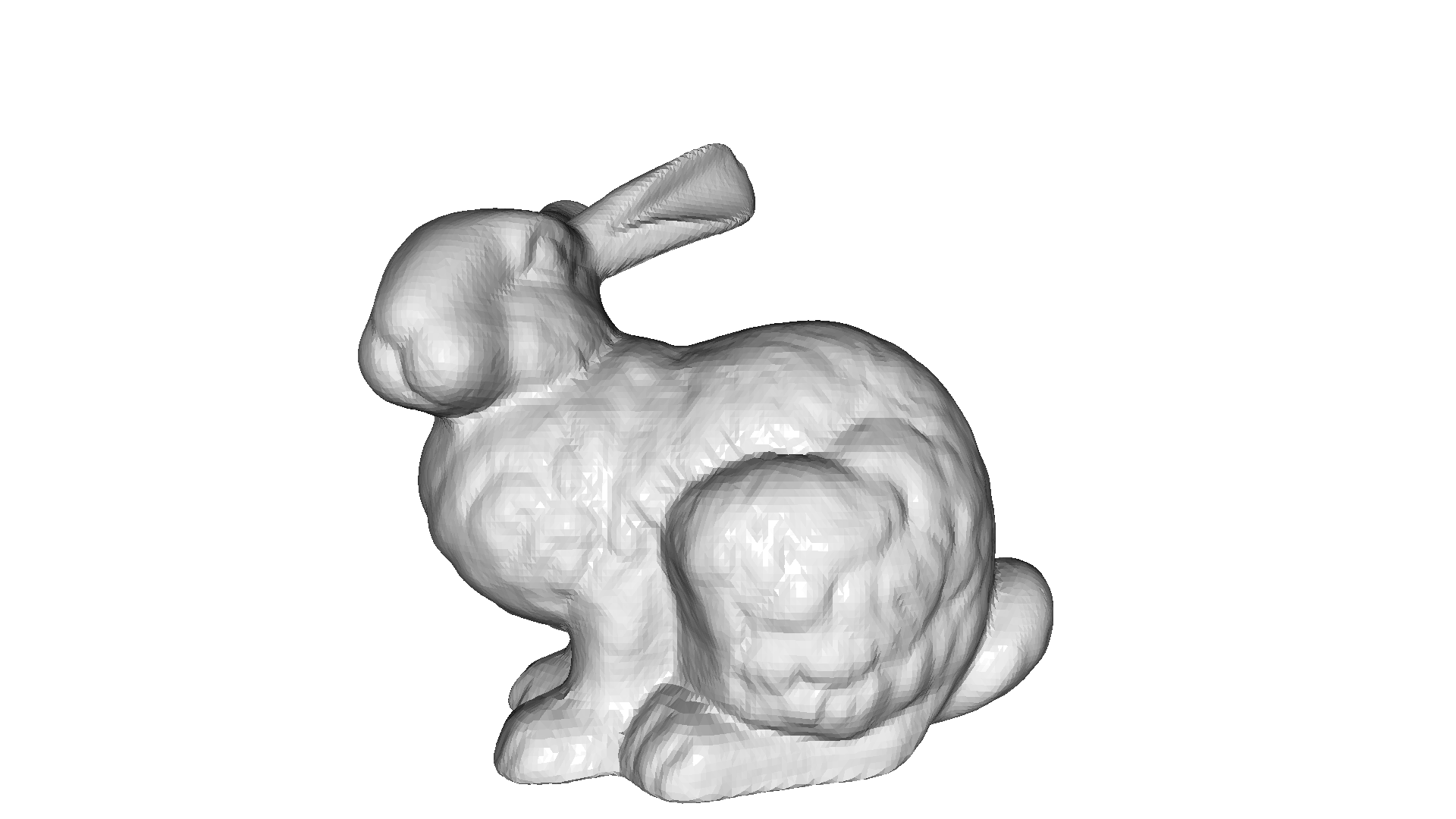
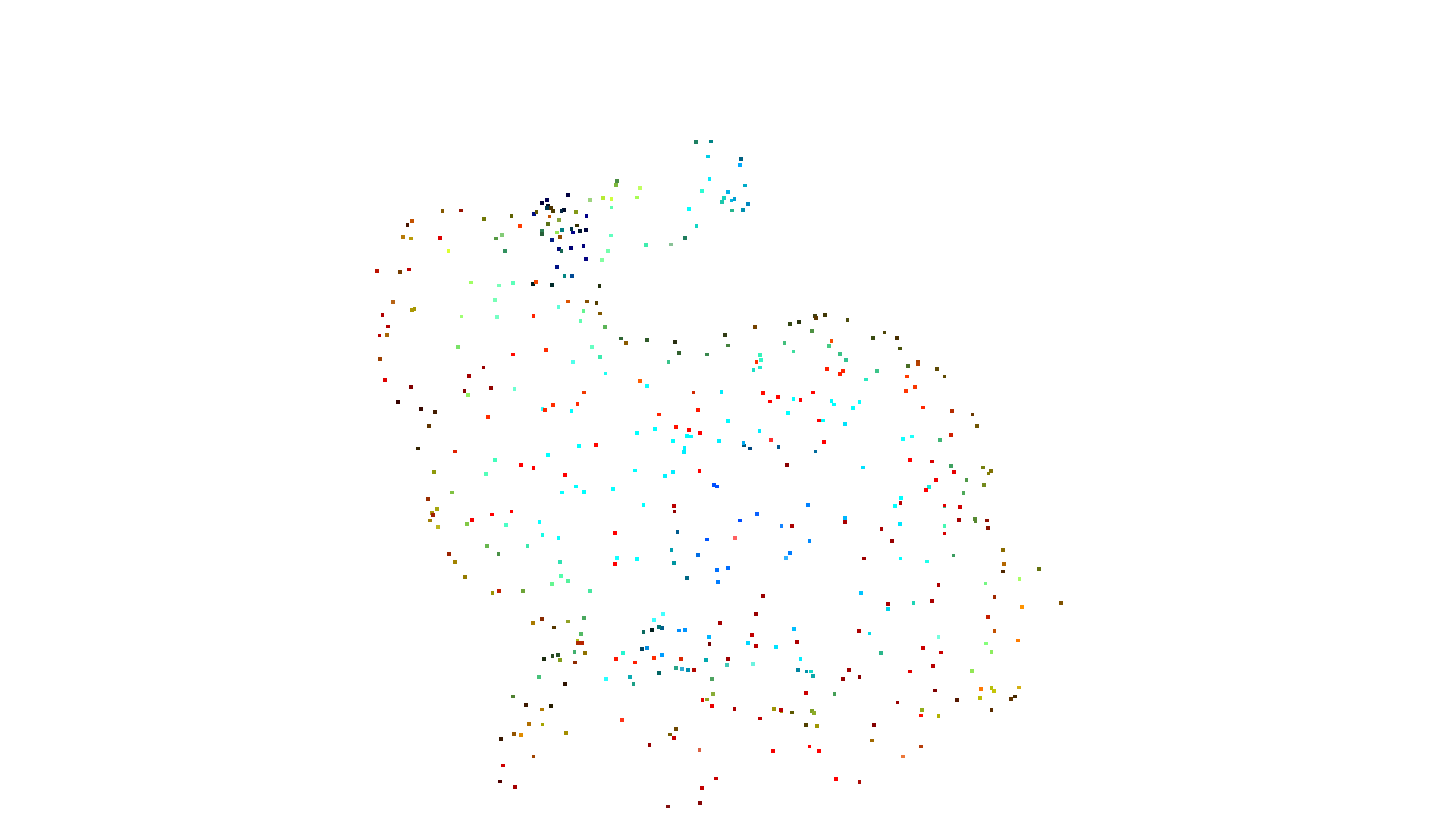
[Open3D WARNING] GLFW initialized for headless rendering.[Open3D WARNING] GLFW initialized for headless rendering.bunny = o3d.data.BunnyMesh()mesh = o3d.io.read_triangle_mesh(bunny.path)mesh.compute_vertex_normals()
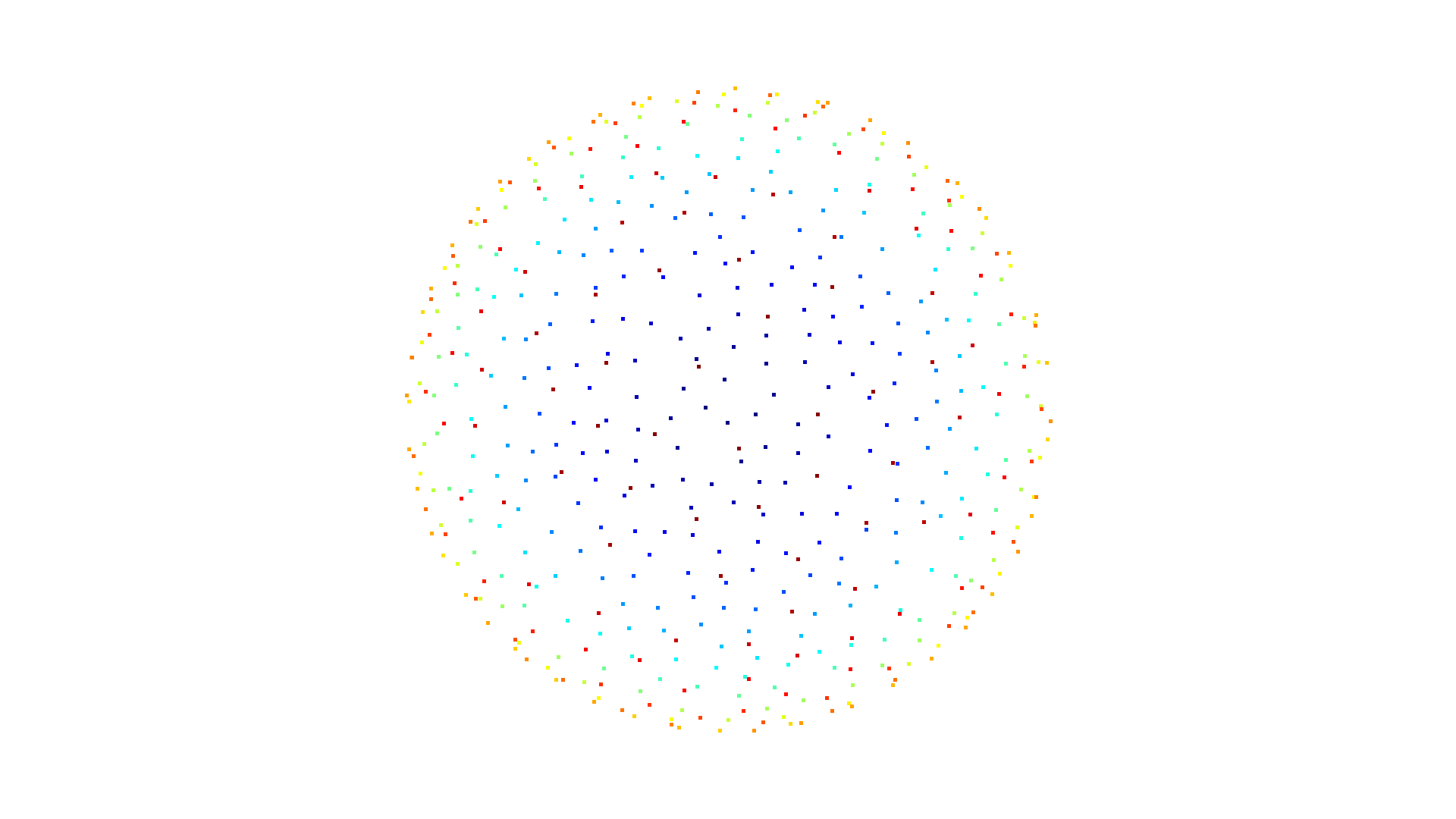
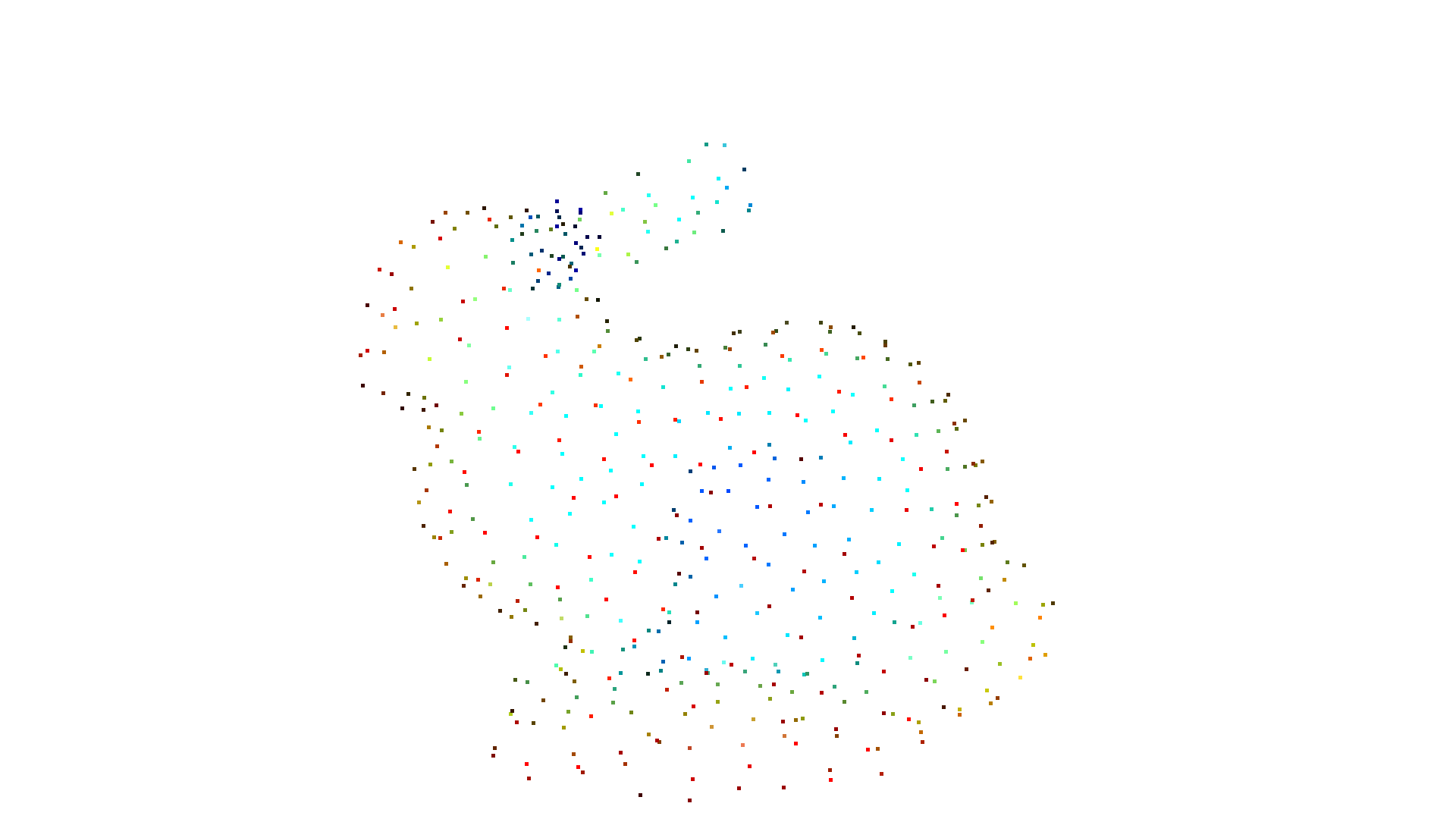
o3d.visualization.draw_geometries([mesh])pcd = mesh.sample_points_uniformly(number_of_points=500)o3d.visualization.draw_geometries([pcd])[Open3D WARNING] GLFW initialized for headless rendering.[Open3D WARNING] GLFW initialized for headless rendering.均匀采样可能会在表面上产生点的聚簇,而一种称为泊松盘采样(Poisson disk sampling)的方法可以在表面上均匀分布点。sample_points_poisson_disk 方法实现了采样消除(sample elimination)。它从一个已采样的点云开始,通过移除点来满足采样准则。该方法支持两种方式来提供初始点云:
- 默认通过参数
init_factor:该方法首先以init_factor x number_of_points从网格均匀采样一个点云,并将其用于消除。 - 也可以提供一个点云并传给
sample_points_poisson_disk方法,然后使用该点云进行消除。
mesh = o3d.geometry.TriangleMesh.create_sphere()pcd = mesh.sample_points_poisson_disk(number_of_points=500, init_factor=5)o3d.visualization.draw_geometries([pcd])
pcd = mesh.sample_points_uniformly(number_of_points=2500)pcd = mesh.sample_points_poisson_disk(number_of_points=500, pcl=pcd)o3d.visualization.draw_geometries([pcd])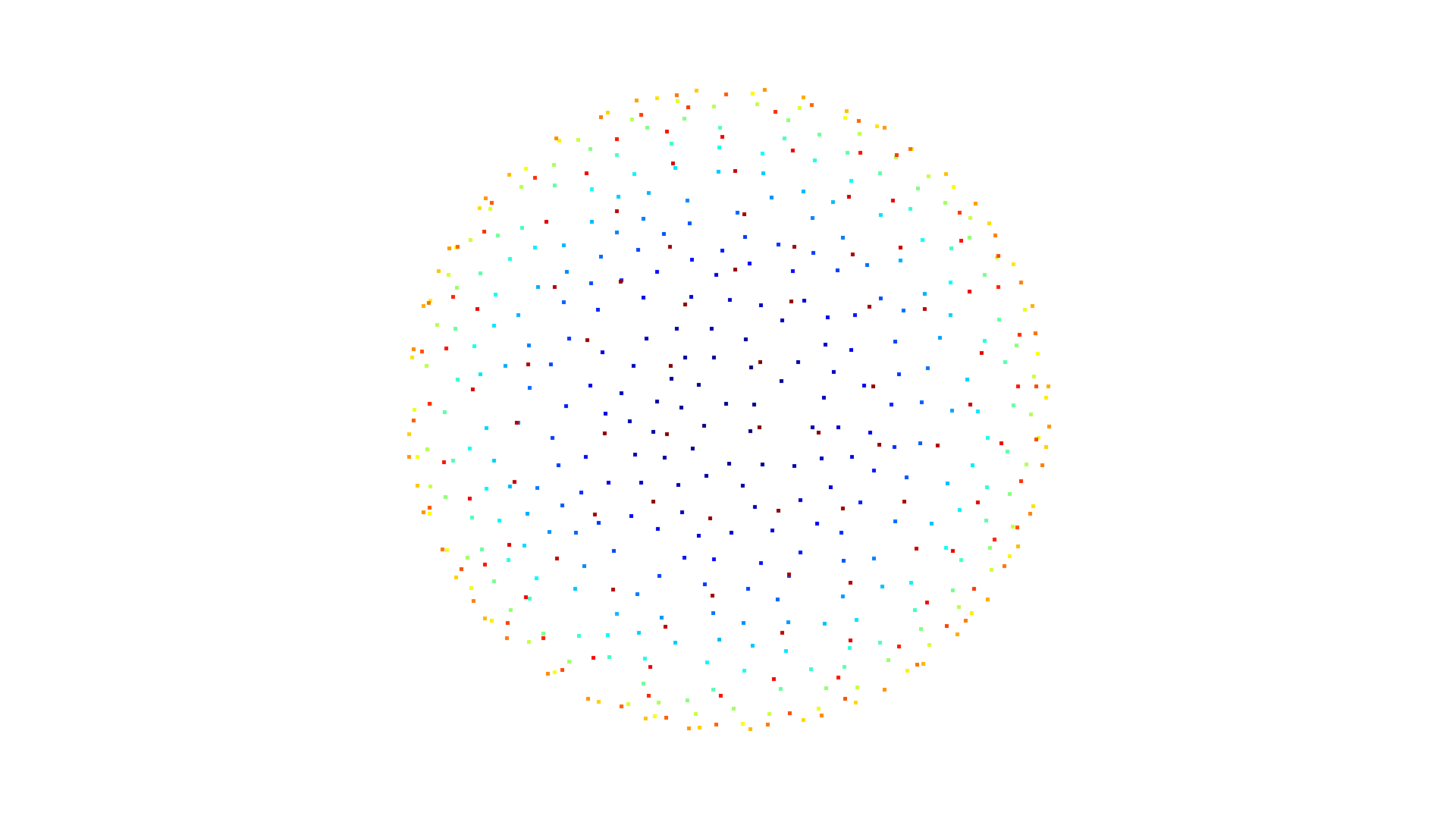
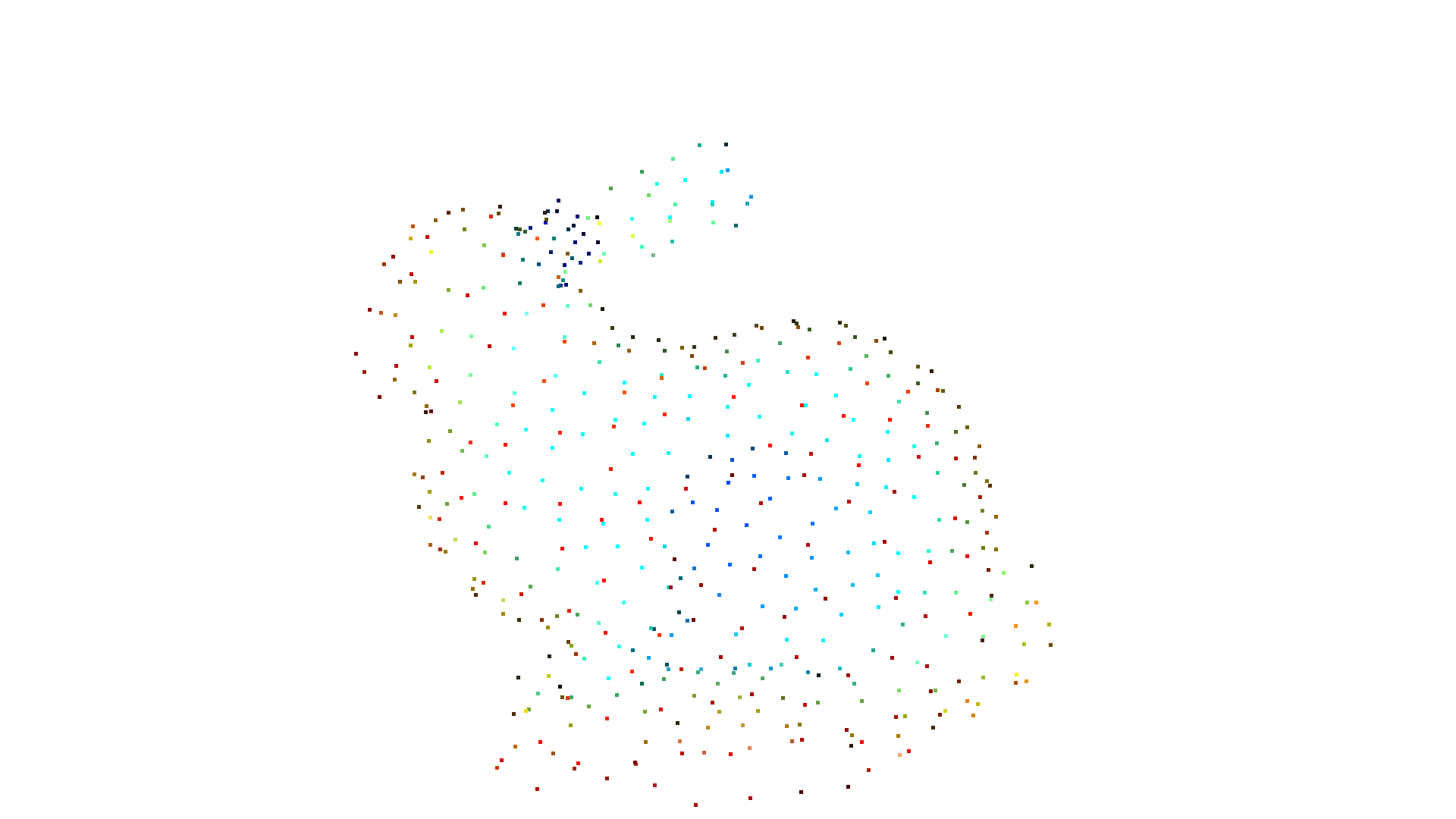
[Open3D WARNING] GLFW initialized for headless rendering.[Open3D WARNING] GLFW initialized for headless rendering.bunny = o3d.data.BunnyMesh()mesh = o3d.io.read_triangle_mesh(bunny.path)mesh.compute_vertex_normals()
pcd = mesh.sample_points_poisson_disk(number_of_points=500, init_factor=5)o3d.visualization.draw_geometries([pcd])
pcd = mesh.sample_points_uniformly(number_of_points=2500)pcd = mesh.sample_points_poisson_disk(number_of_points=500, pcl=pcd)o3d.visualization.draw_geometries([pcd])[Open3D WARNING] GLFW initialized for headless rendering.[Open3D WARNING] GLFW initialized for headless rendering.在网格细分(mesh subdivision)中,我们将每个三角形划分为若干更小的三角形。在最简单的情况下,我们计算每个三角形每条边的中点,并将该三角形划分为四个更小的三角形。这由 subdivide_midpoint 函数实现。3D 表面和面积保持不变,但顶点和三角形的数量会增加。参数 number_of_iterations 定义了该过程应重复多少次。
mesh = o3d.geometry.TriangleMesh.create_box()mesh.compute_vertex_normals()print( f'The mesh has {len(mesh.vertices)} vertices and {len(mesh.triangles)} triangles')o3d.visualization.draw_geometries([mesh], zoom=0.8, mesh_show_wireframe=True)mesh = mesh.subdivide_midpoint(number_of_iterations=1)print( f'After subdivision it has {len(mesh.vertices)} vertices and {len(mesh.triangles)} triangles')o3d.visualization.draw_geometries([mesh], zoom=0.8, mesh_show_wireframe=True)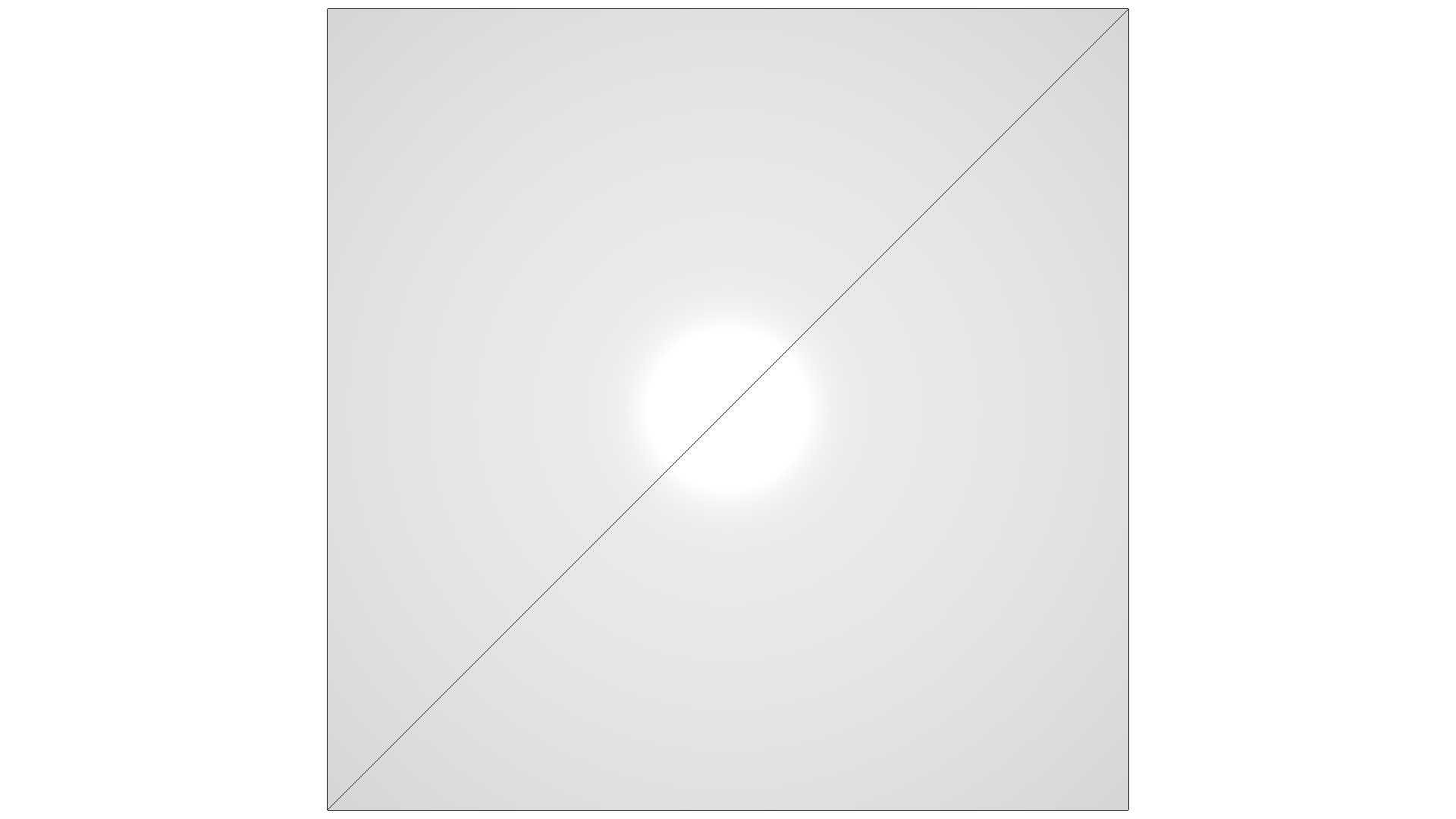
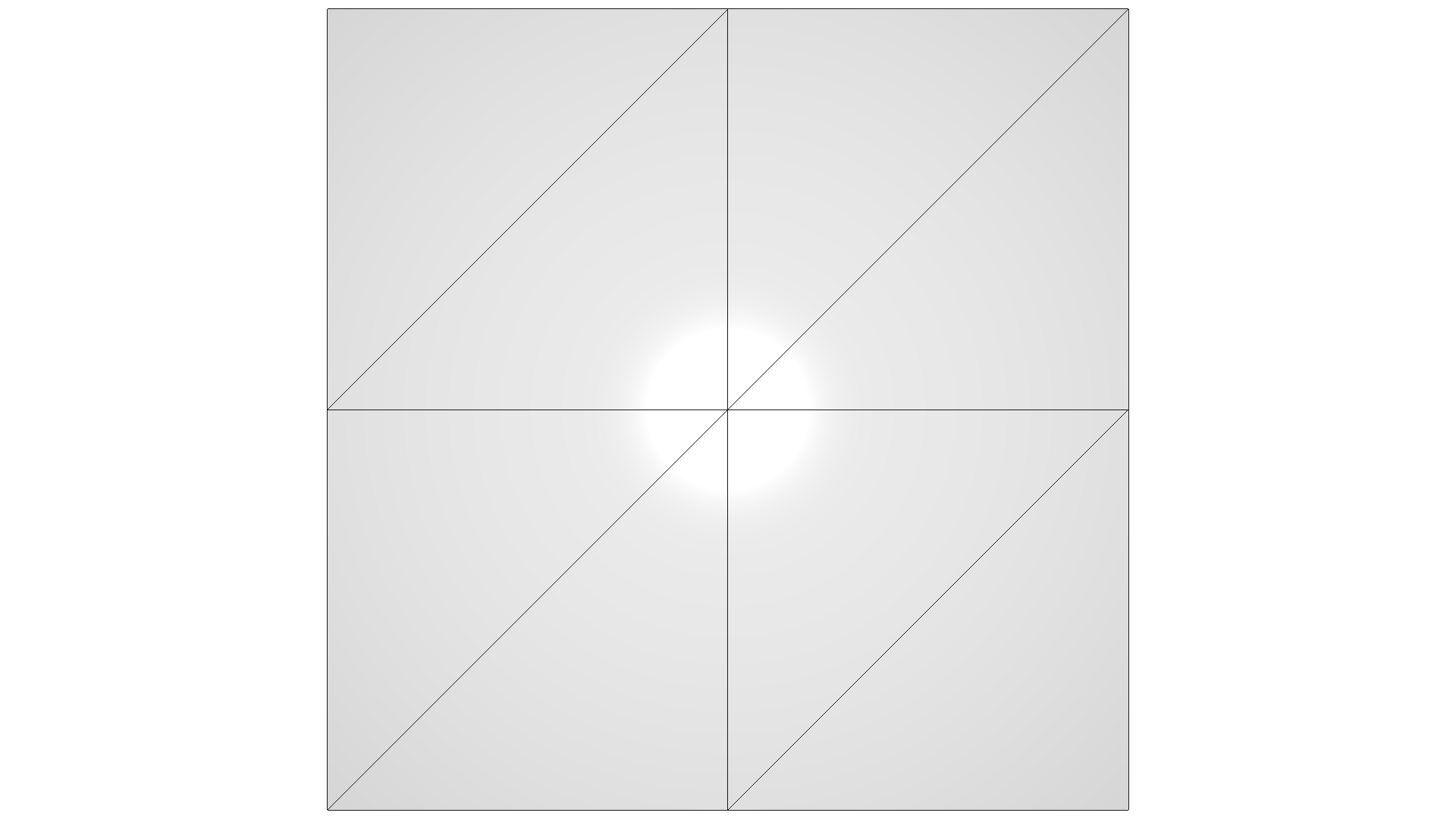
The mesh has 8 vertices and 12 triangles[Open3D WARNING] GLFW initialized for headless rendering.After subdivision it has 26 vertices and 48 triangles[Open3D WARNING] GLFW initialized for headless rendering.Open3D 还实现了另一种基于 [Loop1987] 的细分方法。该方法基于四次盒样条(quartic box spline),除了在非规则顶点(extraordinary vertex)处为 (C^1) 连续外,处处生成 (C^2) 连续的极限曲面,从而使拐角更平滑。
mesh = o3d.geometry.TriangleMesh.create_sphere()mesh.compute_vertex_normals()print( f'The mesh has {len(mesh.vertices)} vertices and {len(mesh.triangles)} triangles')o3d.visualization.draw_geometries([mesh], zoom=0.8, mesh_show_wireframe=True)mesh = mesh.subdivide_loop(number_of_iterations=2)print( f'After subdivision it has {len(mesh.vertices)} vertices and {len(mesh.triangles)} triangles')o3d.visualization.draw_geometries([mesh], zoom=0.8, mesh_show_wireframe=True)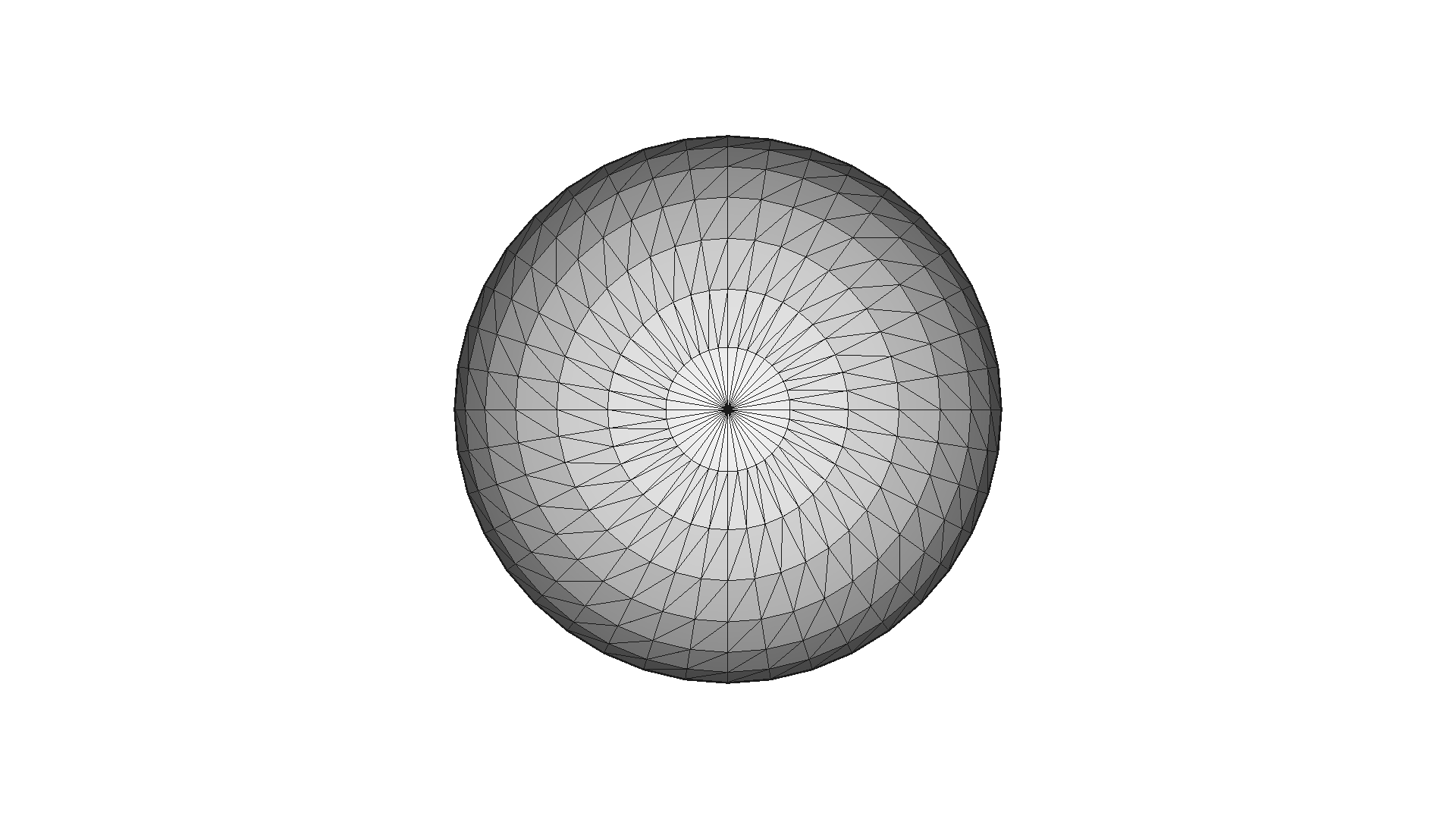
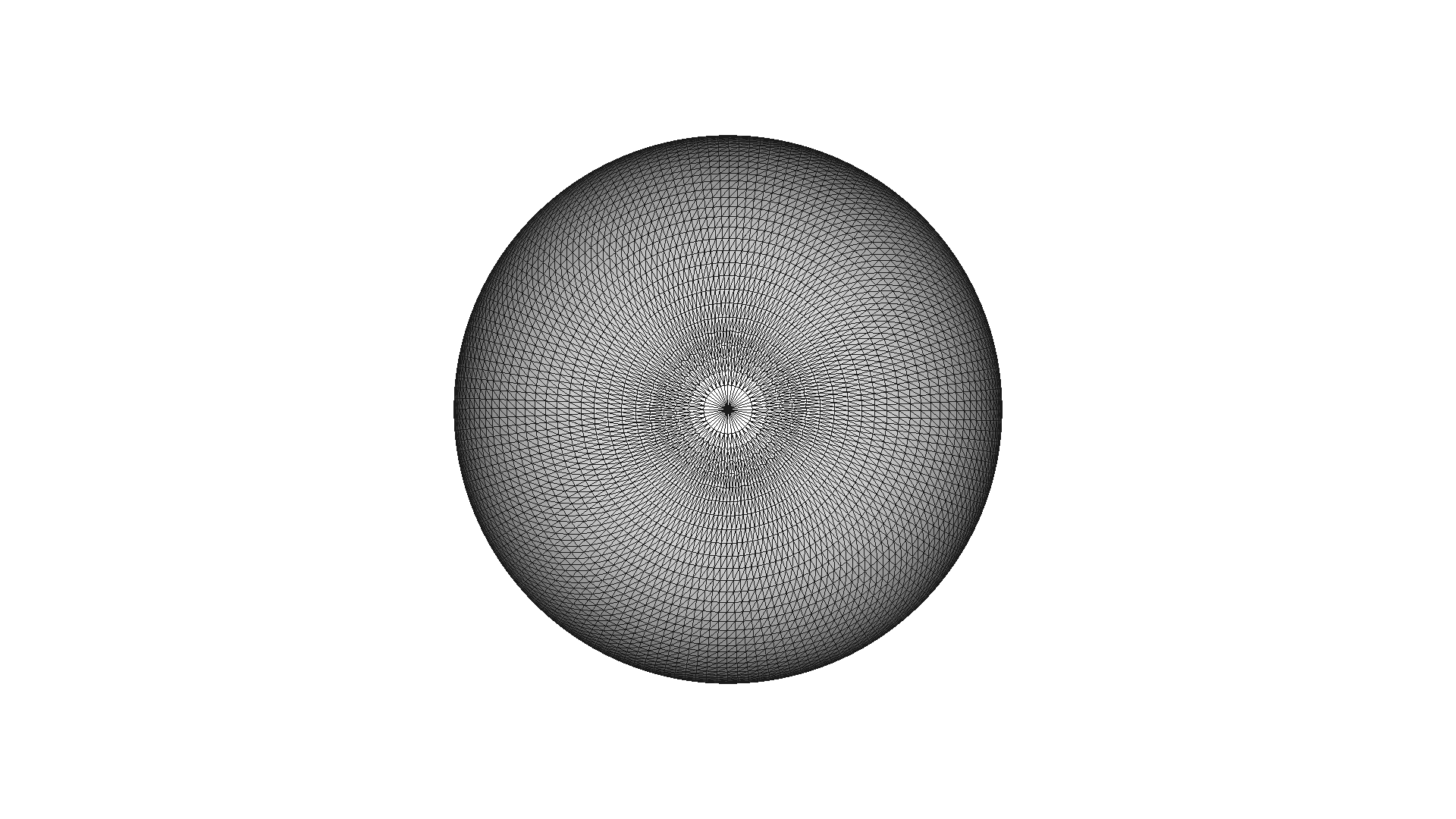
The mesh has 762 vertices and 1520 triangles[Open3D WARNING] GLFW initialized for headless rendering.After subdivision it has 12162 vertices and 24320 triangles[Open3D WARNING] GLFW initialized for headless rendering.knot_mesh = o3d.data.KnotMesh()mesh = o3d.io.read_triangle_mesh(knot_mesh.path)mesh.compute_vertex_normals()print( f'The mesh has {len(mesh.vertices)} vertices and {len(mesh.triangles)} triangles')o3d.visualization.draw_geometries([mesh], zoom=0.8, mesh_show_wireframe=True)mesh = mesh.subdivide_loop(number_of_iterations=1)print( f'After subdivision it has {len(mesh.vertices)} vertices and {len(mesh.triangles)} triangles')o3d.visualization.draw_geometries([mesh], zoom=0.8, mesh_show_wireframe=True)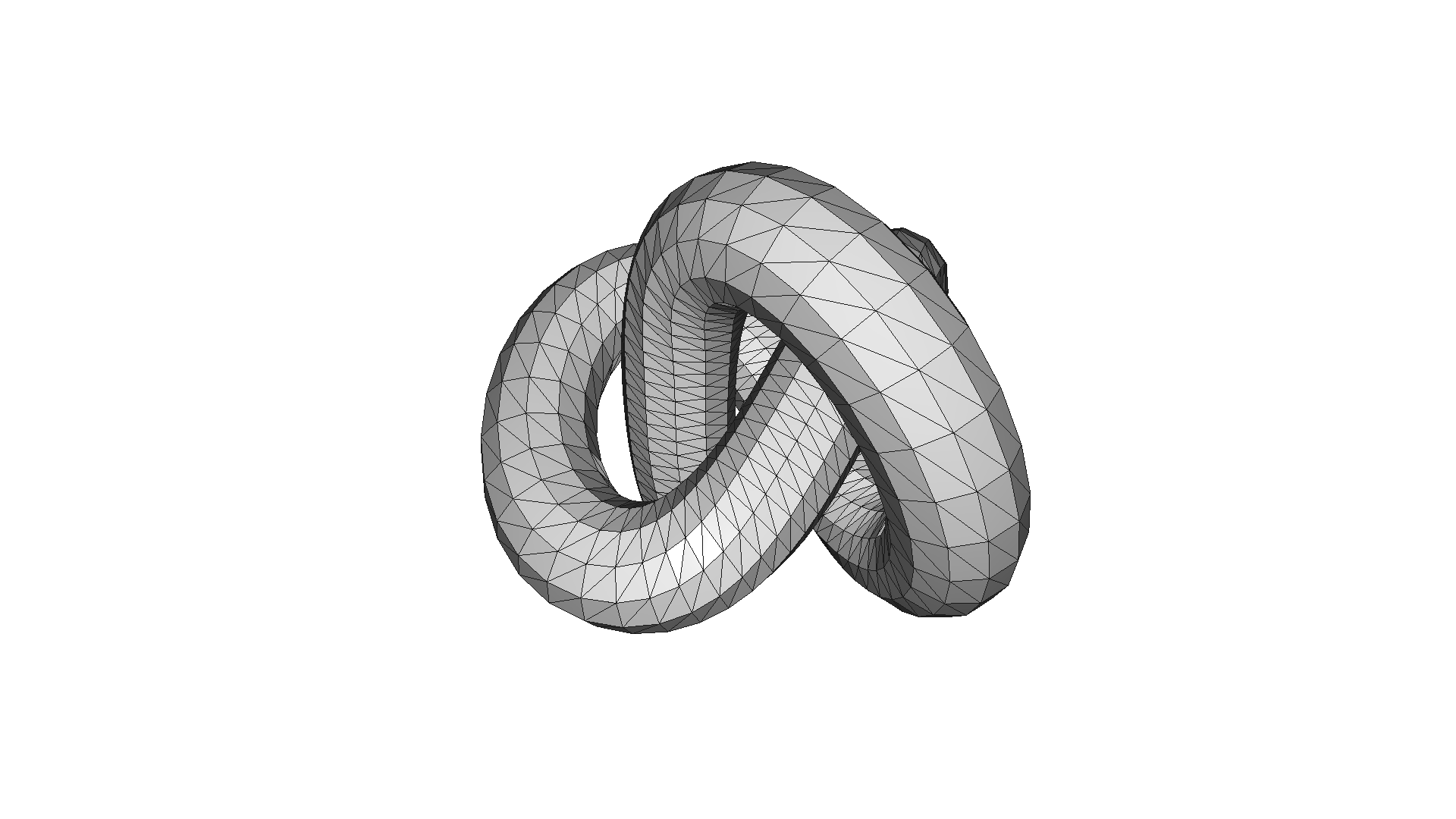
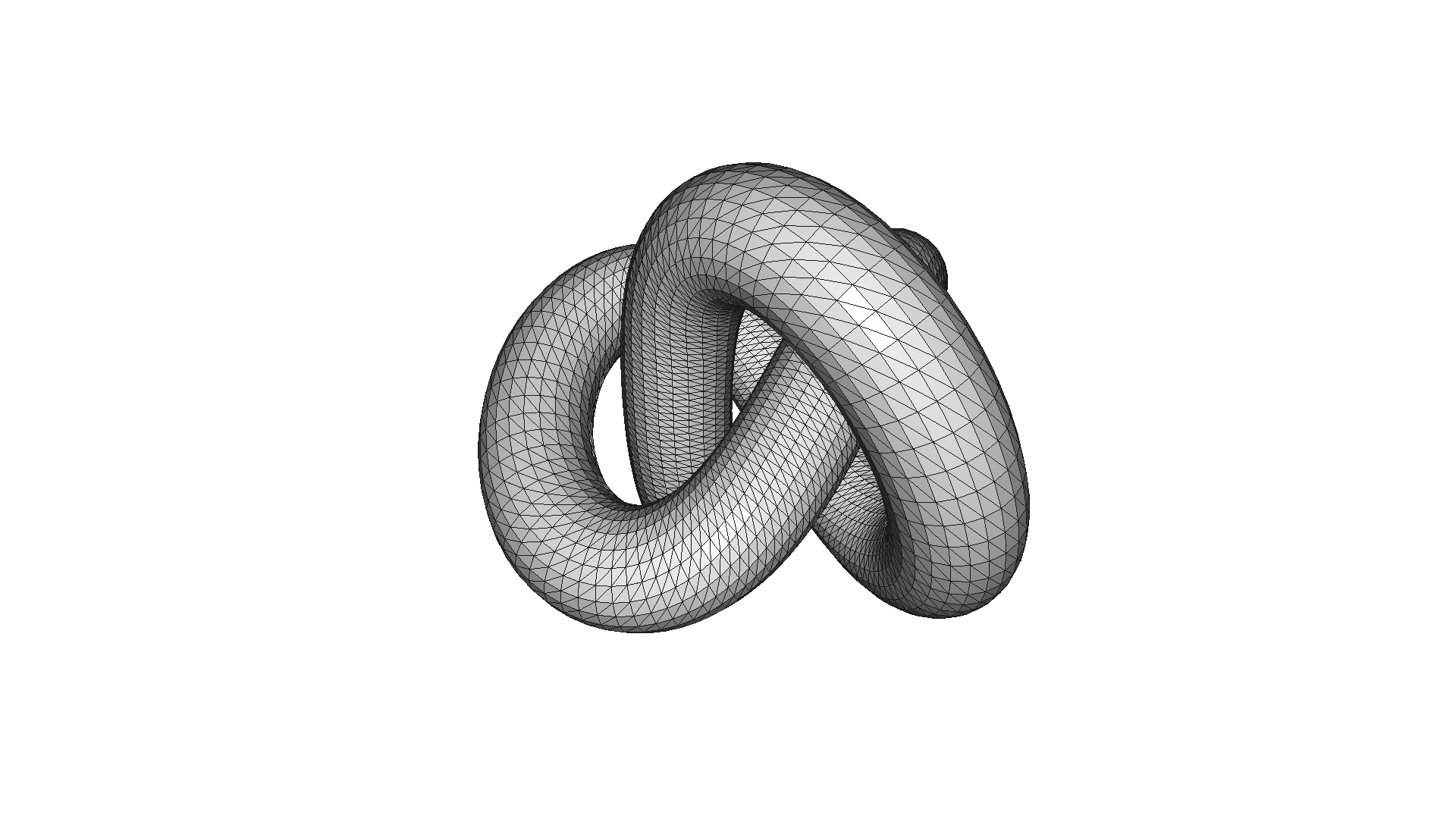
The mesh has 1440 vertices and 2880 triangles[Open3D WARNING] GLFW initialized for headless rendering.After subdivision it has 5760 vertices and 11520 triangles[Open3D WARNING] GLFW initialized for headless rendering.有时我们希望用更少的三角形和顶点来表示一个高分辨率网格,同时低分辨率网格仍应接近高分辨率网格。为此,Open3D 实现了多种网格简化(mesh simplification)方法。
顶点聚类(vertex clustering)方法将落入给定大小体素中的所有顶点合并为一个顶点。该方法在 simplify_vertex_clustering 中实现,参数有 voxel_size(定义体素网格的大小)和 contraction(定义顶点的合并方式)。o3d.geometry.SimplificationContraction.Average 计算简单平均值。
bunny = o3d.data.BunnyMesh()mesh_in = o3d.io.read_triangle_mesh(bunny.path)mesh_in.compute_vertex_normals()
print(    f'Input mesh has {len(mesh_in.vertices)} vertices and {len(mesh_in.triangles)} triangles')o3d.visualization.draw_geometries([mesh_in])
voxel_size = max(mesh_in.get_max_bound() - mesh_in.get_min_bound()) / 32print(f'voxel_size = {voxel_size:e}')mesh_smp = mesh_in.simplify_vertex_clustering(    voxel_size=voxel_size,    contraction=o3d.geometry.SimplificationContraction.Average)print(    f'Simplified mesh has {len(mesh_smp.vertices)} vertices and {len(mesh_smp.triangles)} triangles')o3d.visualization.draw_geometries([mesh_smp])
voxel_size = max(mesh_in.get_max_bound() - mesh_in.get_min_bound()) / 16print(f'voxel_size = {voxel_size:e}')mesh_smp = mesh_in.simplify_vertex_clustering(    voxel_size=voxel_size,    contraction=o3d.geometry.SimplificationContraction.Average)print(    f'Simplified mesh has {len(mesh_smp.vertices)} vertices and {len(mesh_smp.triangles)} triangles')o3d.visualization.draw_geometries([mesh_smp])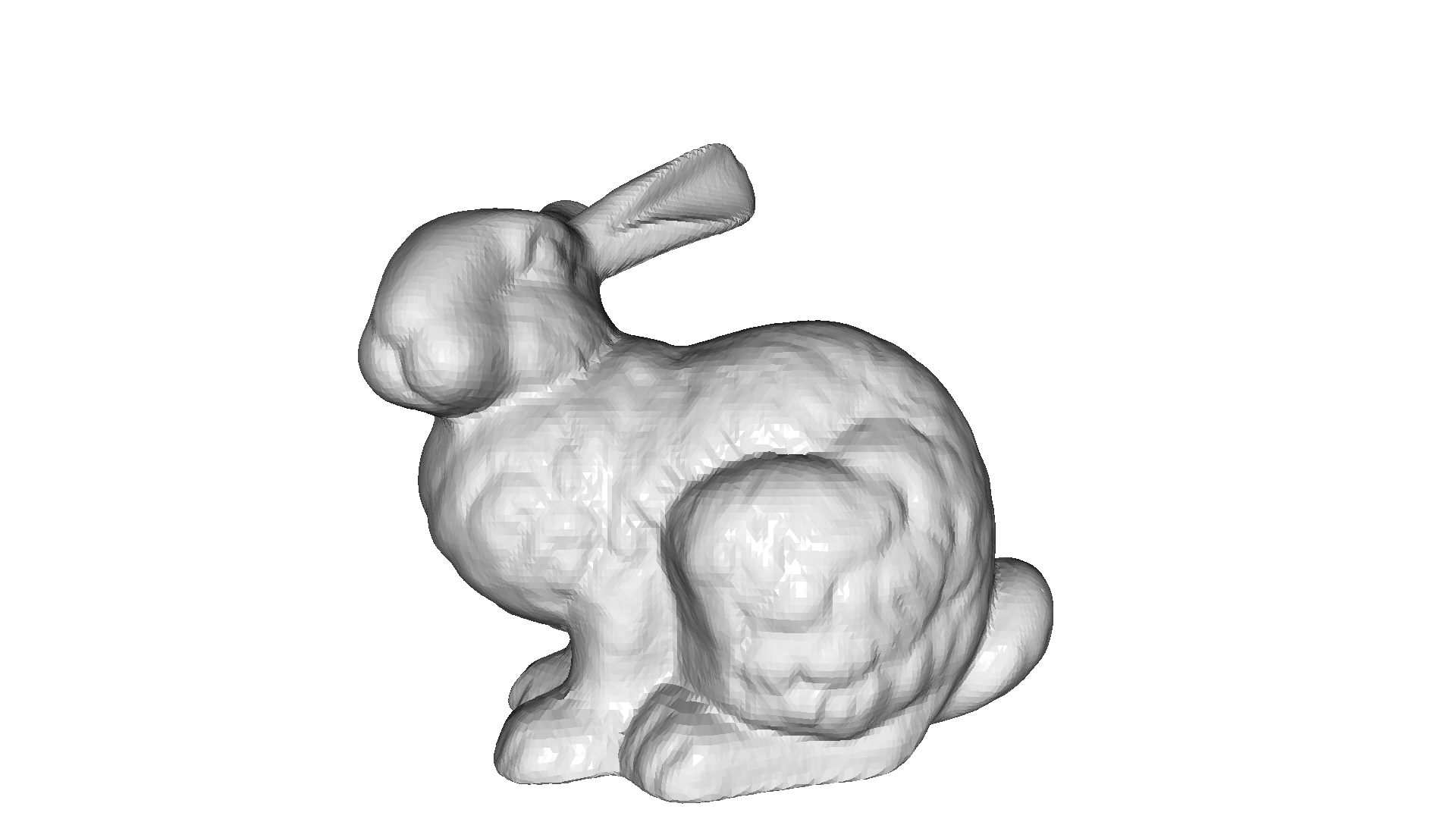
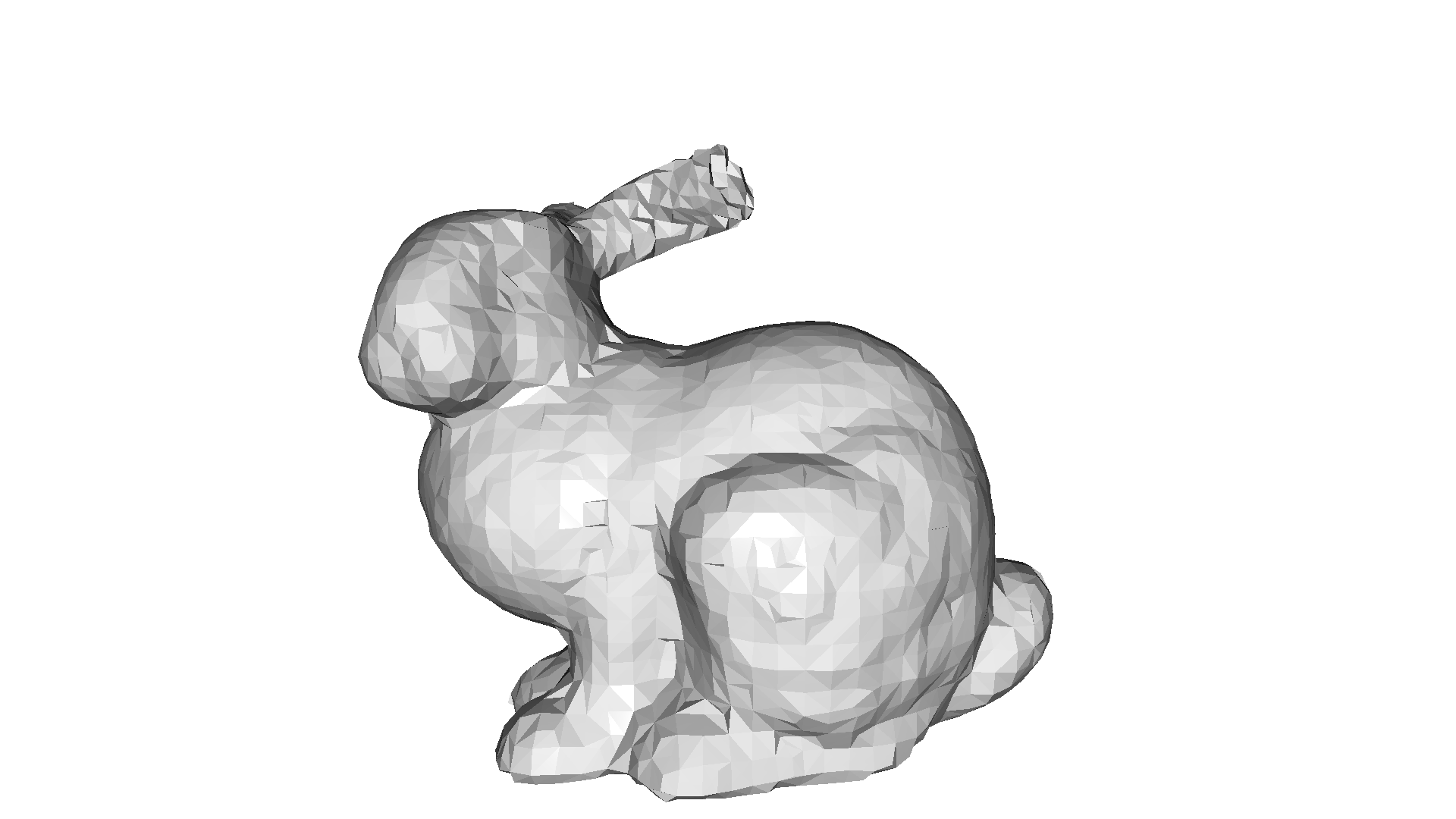
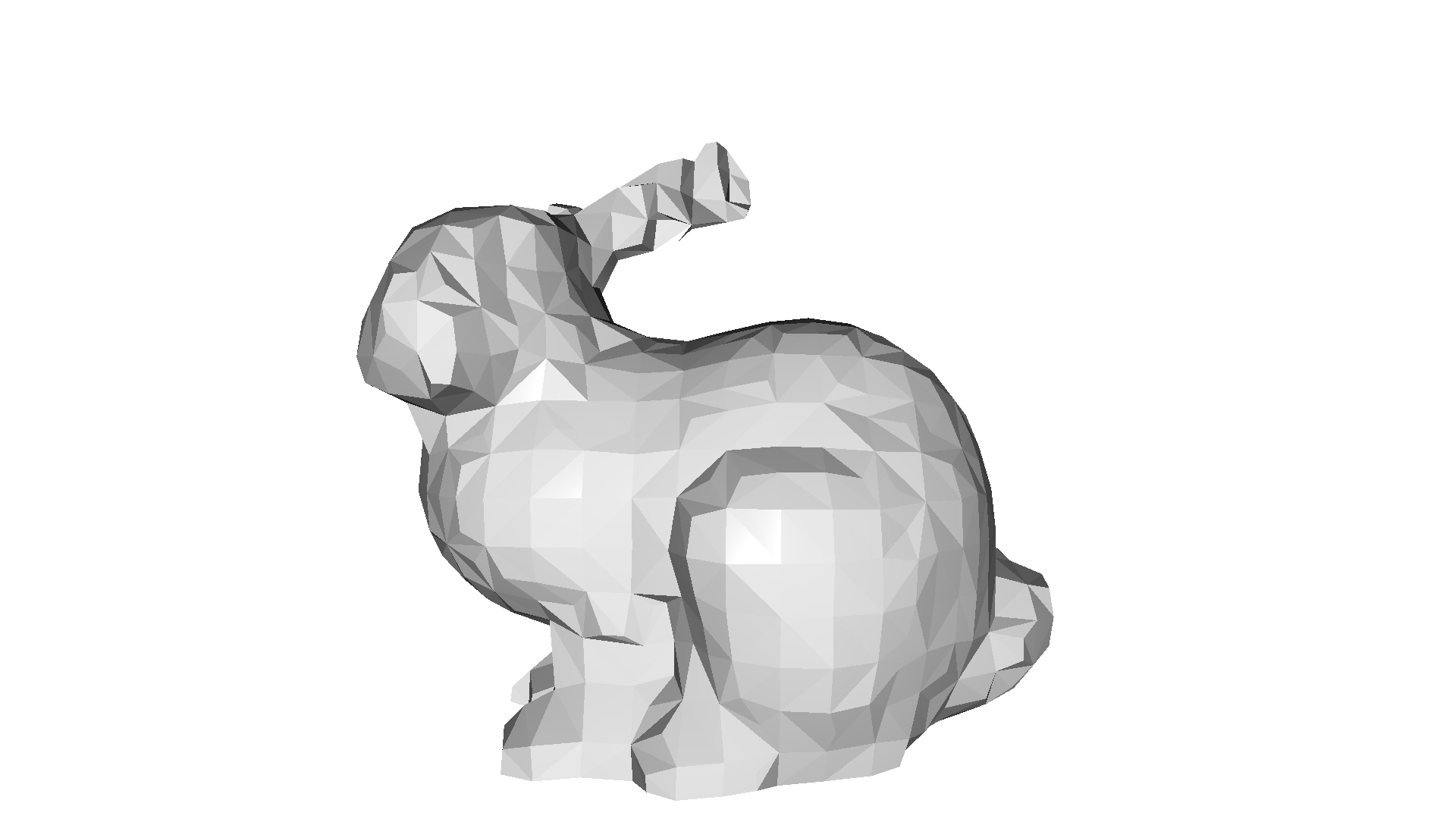
Input mesh has 35947 vertices and 69451 triangles[Open3D WARNING] GLFW initialized for headless rendering.Simplified mesh has 3222 vertices and 6454 triangles[Open3D WARNING] GLFW initialized for headless rendering.Simplified mesh has 845 vertices and 1724 triangles[Open3D WARNING] GLFW initialized for headless rendering.另一类网格简化方法是网格抽稀(mesh decimation),它以增量步骤进行。我们选取一个使误差度量最小化的三角形并将其移除,如此重复,直到达到所需的三角形数量。Open3D 实现了 simplify_quadric_decimation,它最小化误差二次型(到相邻平面的距离)。参数 target_number_of_triangles 定义了抽稀算法的停止准则。
mesh_smp = mesh_in.simplify_quadric_decimation(target_number_of_triangles=6500)print(    f'Simplified mesh has {len(mesh_smp.vertices)} vertices and {len(mesh_smp.triangles)} triangles')o3d.visualization.draw_geometries([mesh_smp])
mesh_smp = mesh_in.simplify_quadric_decimation(target_number_of_triangles=1700)print(    f'Simplified mesh has {len(mesh_smp.vertices)} vertices and {len(mesh_smp.triangles)} triangles')o3d.visualization.draw_geometries([mesh_smp])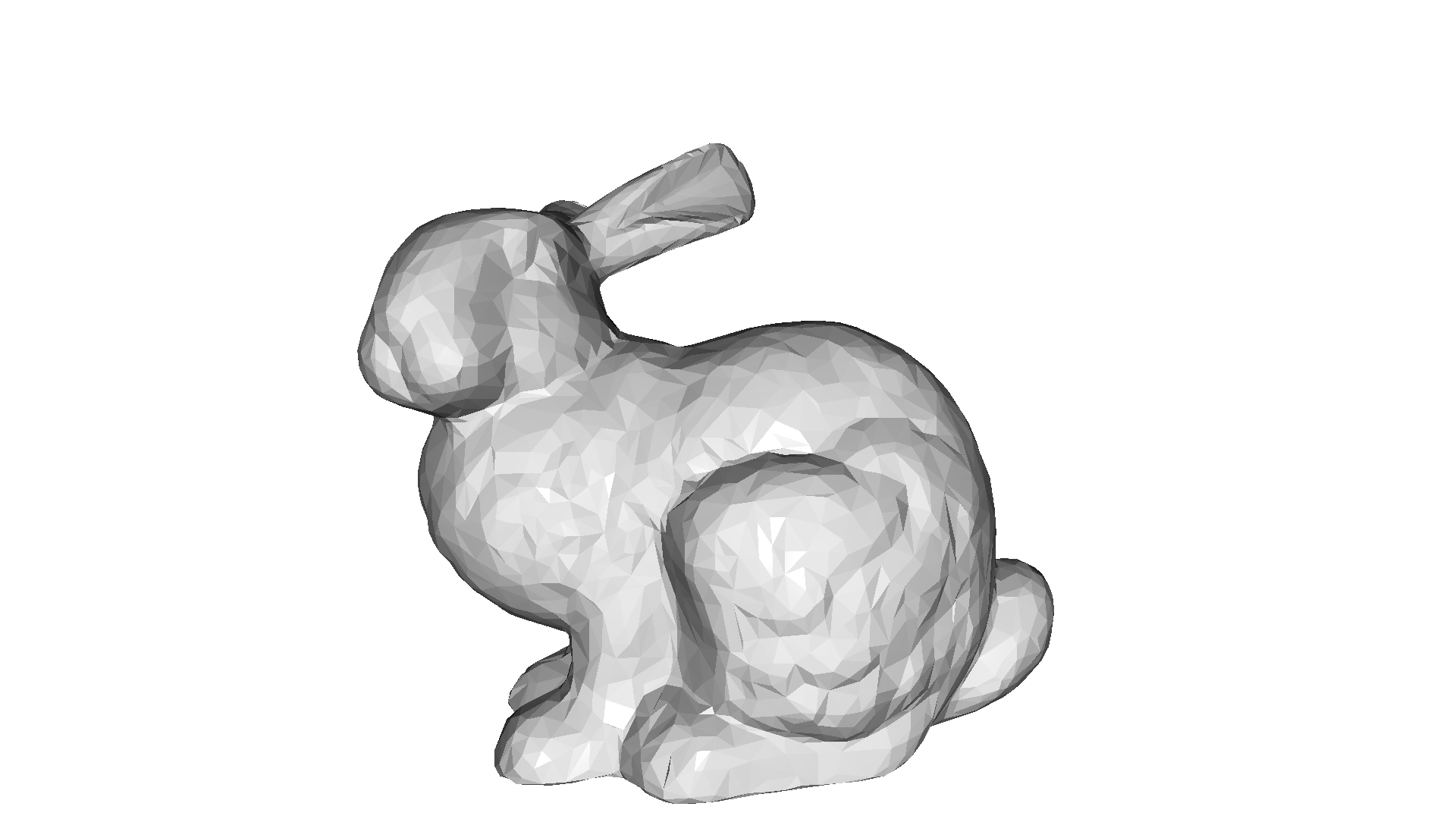
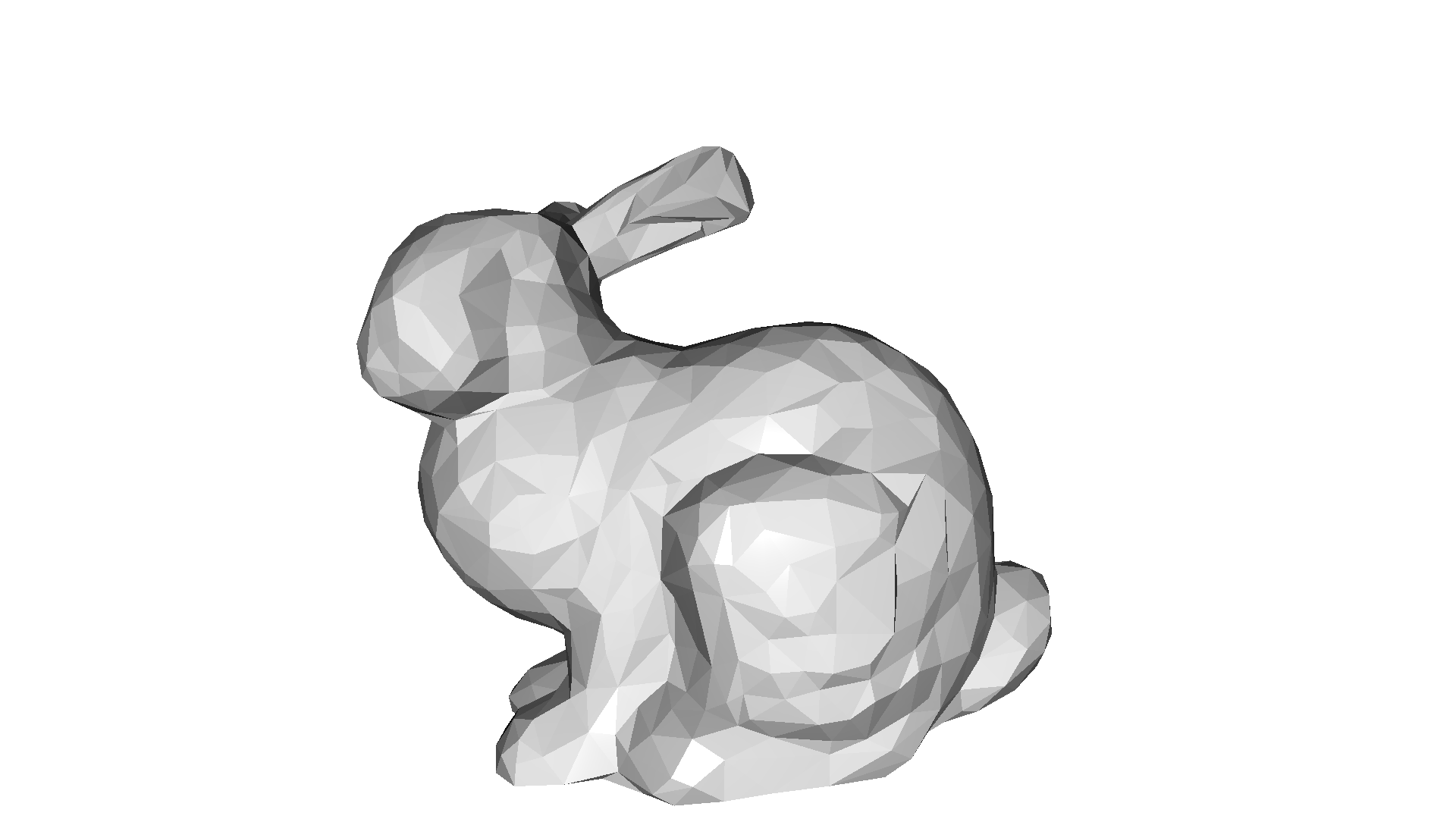
Simplified mesh has 4405 vertices and 6499 triangles[Open3D WARNING] GLFW initialized for headless rendering.Simplified mesh has 1979 vertices and 1700 triangles[Open3D WARNING] GLFW initialized for headless rendering.这是各种重建方法的结果。Open3D 实现了一种连通分量(connected component)算法 cluster_connected_triangles,它将每个三角形分配到一个连通三角形聚簇中。它为每个三角形返回其所在聚簇的索引(triangle_clusters),并为每个聚簇返回该聚簇的三角形数量(cluster_n_triangles)和表面积(cluster_area)。
这例如在 RGBD Integration 中很有用,其结果并不总是单一的三角网格,而是若干个网格。其中一些较小的部分是由噪声产生的,我们很可能希望将其移除。
下面的代码展示了 cluster_connected_triangles 的应用,以及如何用它来移除虚假的三角形。
print("Generate data")bunny = o3d.data.BunnyMesh()mesh = o3d.io.read_triangle_mesh(bunny.path)mesh.compute_vertex_normals()
mesh = mesh.subdivide_midpoint(number_of_iterations=2)vert = np.asarray(mesh.vertices)min_vert, max_vert = vert.min(axis=0), vert.max(axis=0)for _ in range(30):    cube = o3d.geometry.TriangleMesh.create_box()    cube.scale(0.005, center=cube.get_center())    cube.translate(        (            np.random.uniform(min_vert[0], max_vert[0]),            np.random.uniform(min_vert[1], max_vert[1]),            np.random.uniform(min_vert[2], max_vert[2]),        ),        relative=False,    )    mesh += cubemesh.compute_vertex_normals()print("Show input mesh")o3d.visualization.draw_geometries([mesh])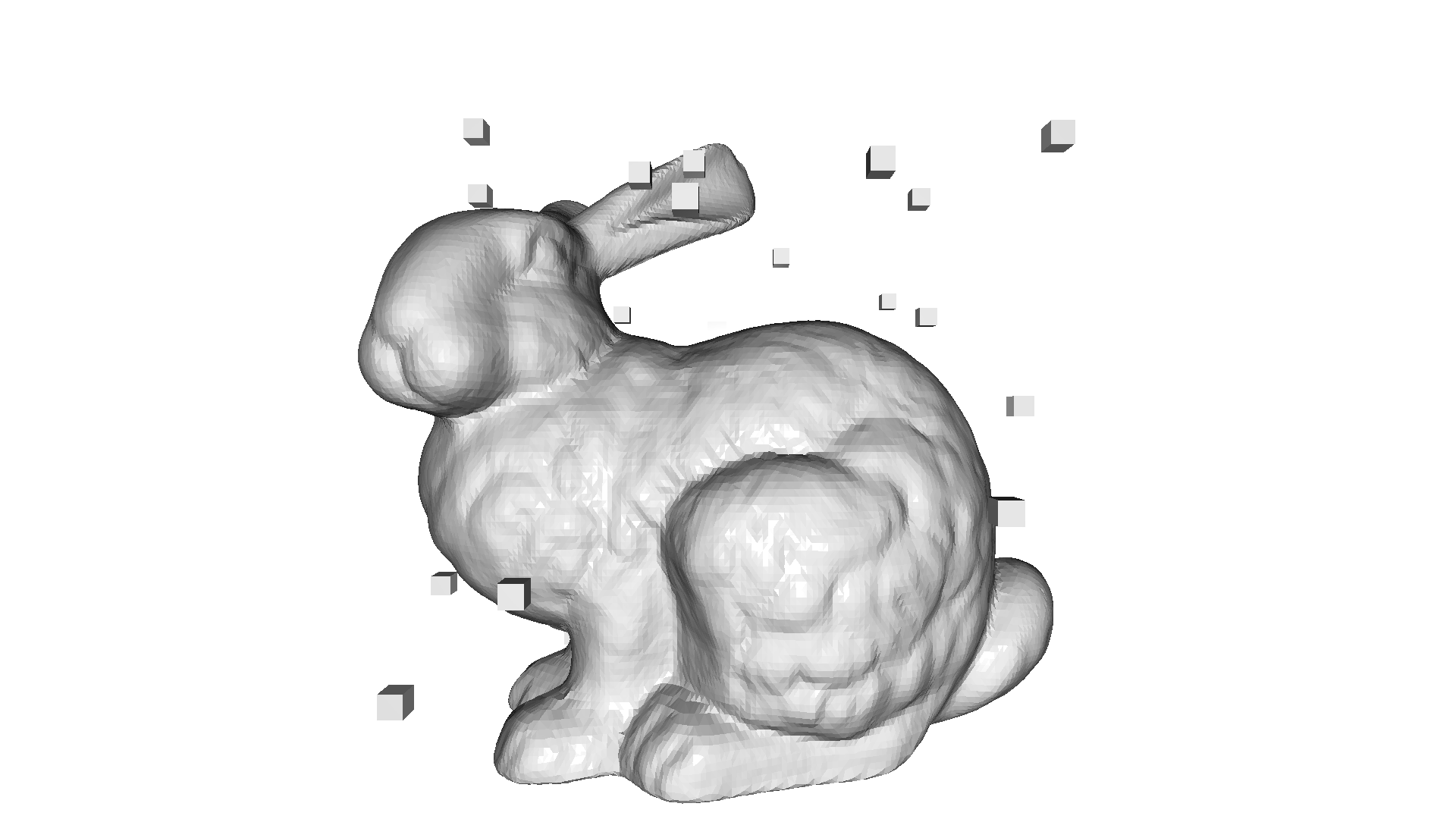
Generate dataShow input mesh[Open3D WARNING] GLFW initialized for headless rendering.print("Cluster connected triangles")with o3d.utility.VerbosityContextManager( o3d.utility.VerbosityLevel.Debug) as cm: triangle_clusters, cluster_n_triangles, cluster_area = ( mesh.cluster_connected_triangles())triangle_clusters = np.asarray(triangle_clusters)cluster_n_triangles = np.asarray(cluster_n_triangles)cluster_area = np.asarray(cluster_area)Cluster connected triangles[Open3D DEBUG] [ClusterConnectedTriangles] Compute triangle adjacency[Open3D DEBUG] [ClusterConnectedTriangles] Done computing triangle adjacency[Open3D DEBUG] [ClusterConnectedTriangles] Done clustering, #clusters=31print("Show mesh with small clusters removed")mesh_0 = copy.deepcopy(mesh)triangles_to_remove = cluster_n_triangles[triangle_clusters] < 100mesh_0.remove_triangles_by_mask(triangles_to_remove)o3d.visualization.draw_geometries([mesh_0])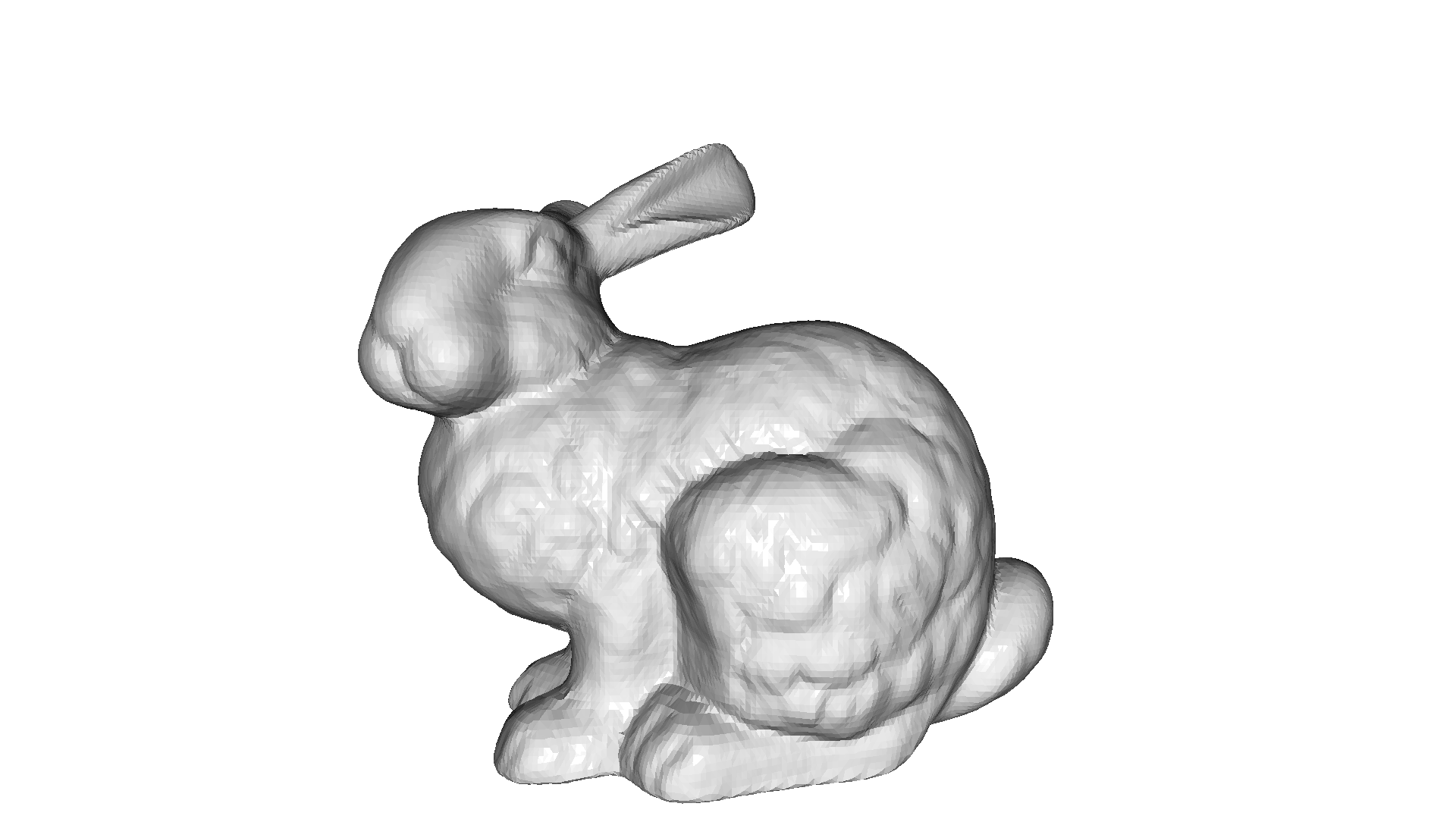
Show mesh with small clusters removed[Open3D WARNING] GLFW initialized for headless rendering.print("Show largest cluster")mesh_1 = copy.deepcopy(mesh)largest_cluster_idx = cluster_n_triangles.argmax()triangles_to_remove = triangle_clusters != largest_cluster_idxmesh_1.remove_triangles_by_mask(triangles_to_remove)o3d.visualization.draw_geometries([mesh_1])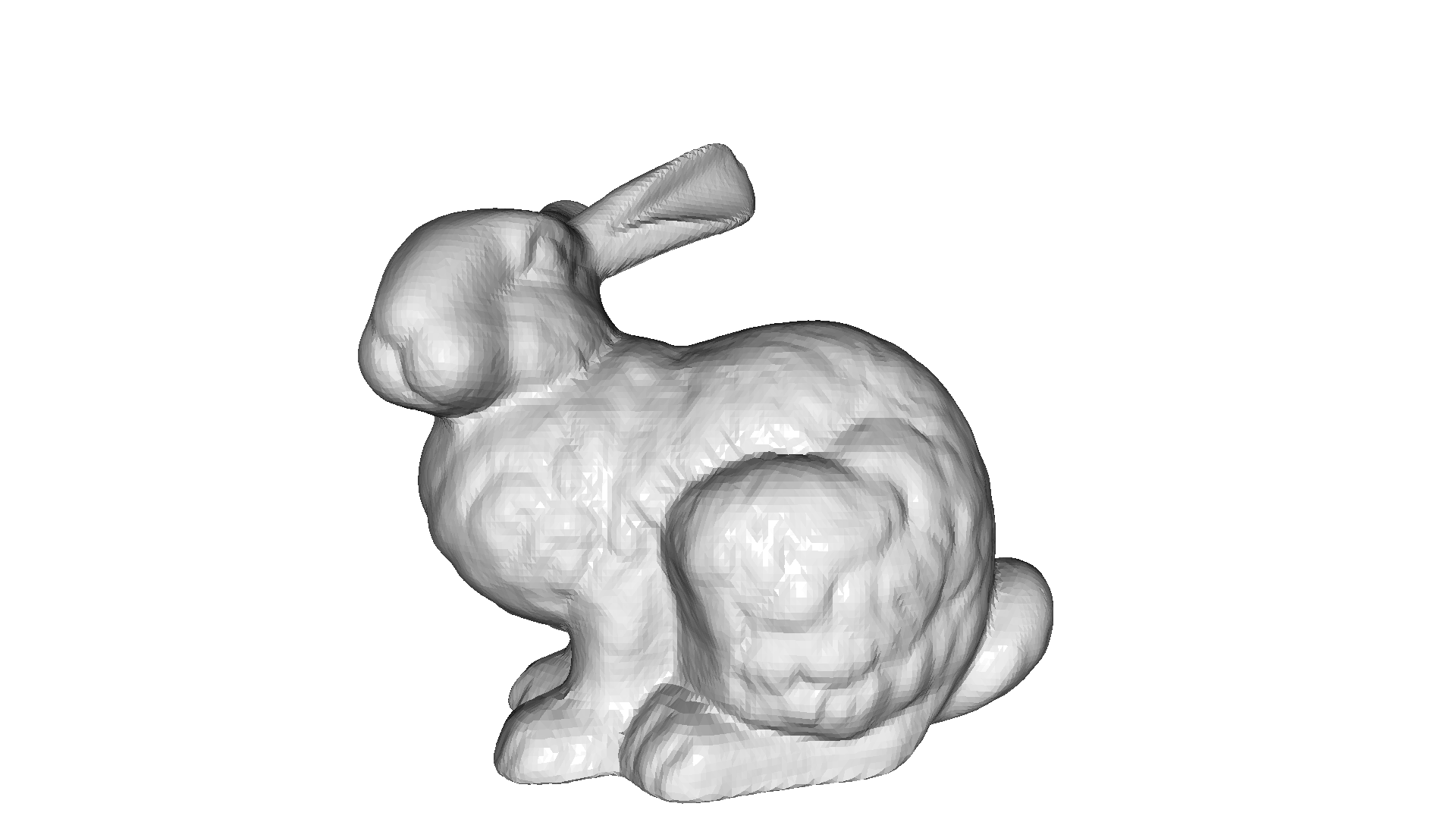
Show largest cluster[Open3D WARNING] GLFW initialized for headless rendering.