UV 映射
什么是 UV 映射?
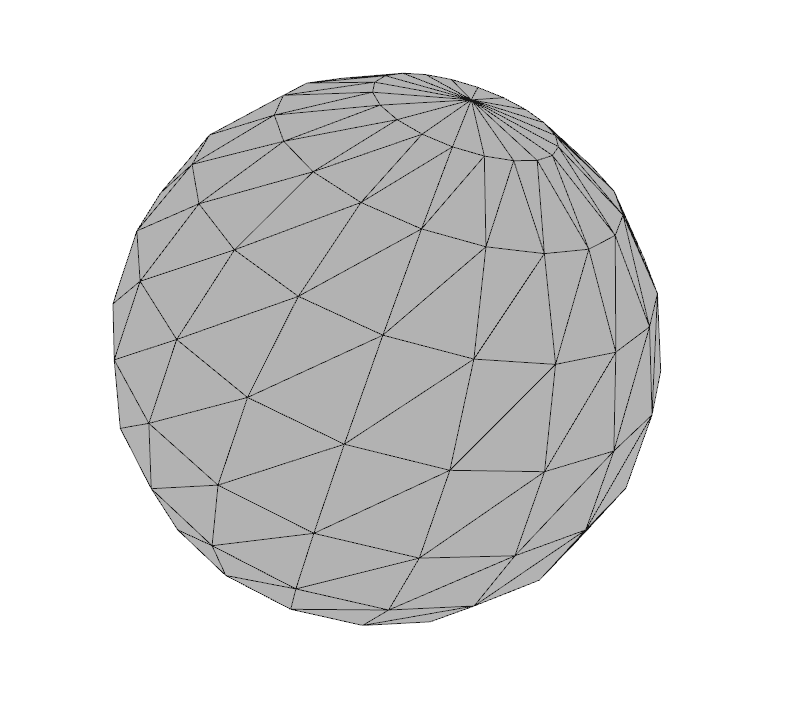
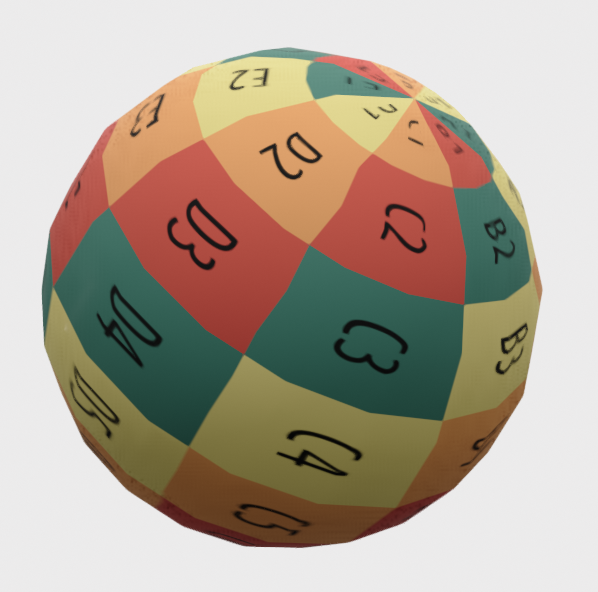
Section titled “什么是 UV 映射?”[参考:Wikipedia] UV 映射(UV mapping)是三维建模中将二维图像投影到三维模型表面以进行纹理贴图的过程。字母 “U” 和 “V” 表示二维纹理的坐标轴,因为 “X”、“Y” 和 “Z” 已经用于表示模型空间中三维物体的坐标轴。
UV 纹理贴图使得构成三维物体的多边形可以用普通图像中的颜色(以及其他表面属性)来绘制。该图像被称为 UV 纹理贴图(UV texture map)。
如何添加自定义 UV 映射?
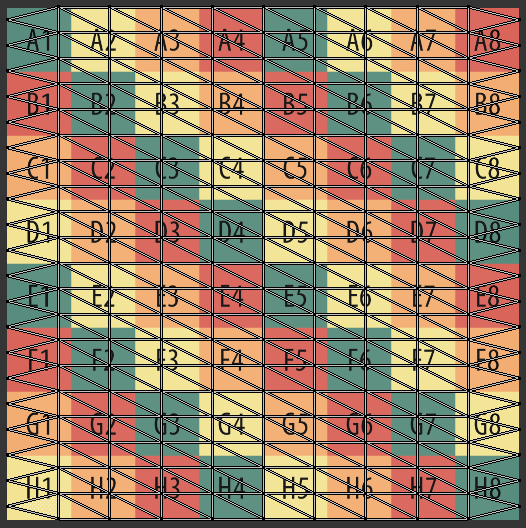
Section titled “如何添加自定义 UV 映射?”UV 映射坐标 (U, V) 以 std::vector<Eigen::Vector2d> 的形式存储,长度为 3 × 三角形数量。也就是说,每个三角形都有一组 3 个 (U, V) 坐标,分别对应其三个顶点。
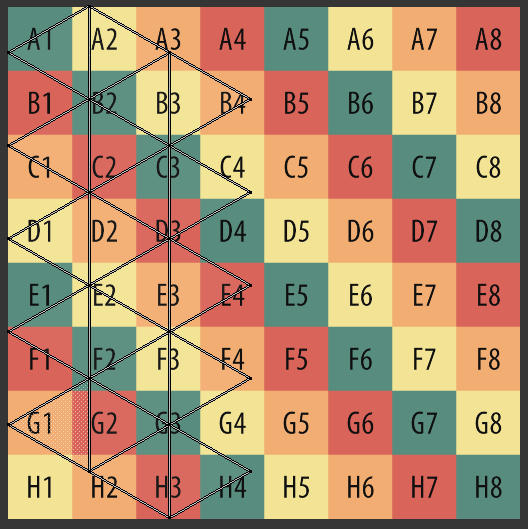
可以认为 UV 映射将一个高度和宽度均为 1.0 的纹理图像映射到几何体上。因此,U 和 V 的取值范围是 0.0 到 1.0(包含两端)。
Open3D 提供的基本几何体默认 UV 映射速查
Section titled “Open3D 提供的基本几何体默认 UV 映射速查”以下示例均假设有如下代码前置:
import open3d as o3dimport open3d.visualization.rendering as rendering
material = rendering.MaterialRecord()material.shader = 'defaultUnlit'material.albedo_img = o3d.io.read_image('/Users/renes/Downloads/uv1.png')
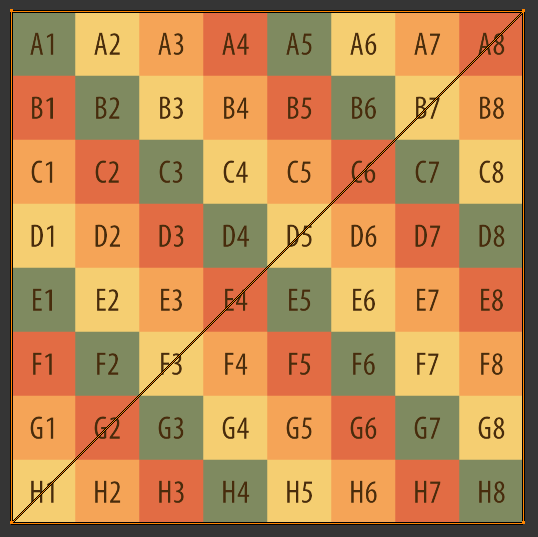
示例纹理贴图
Section titled “示例纹理贴图”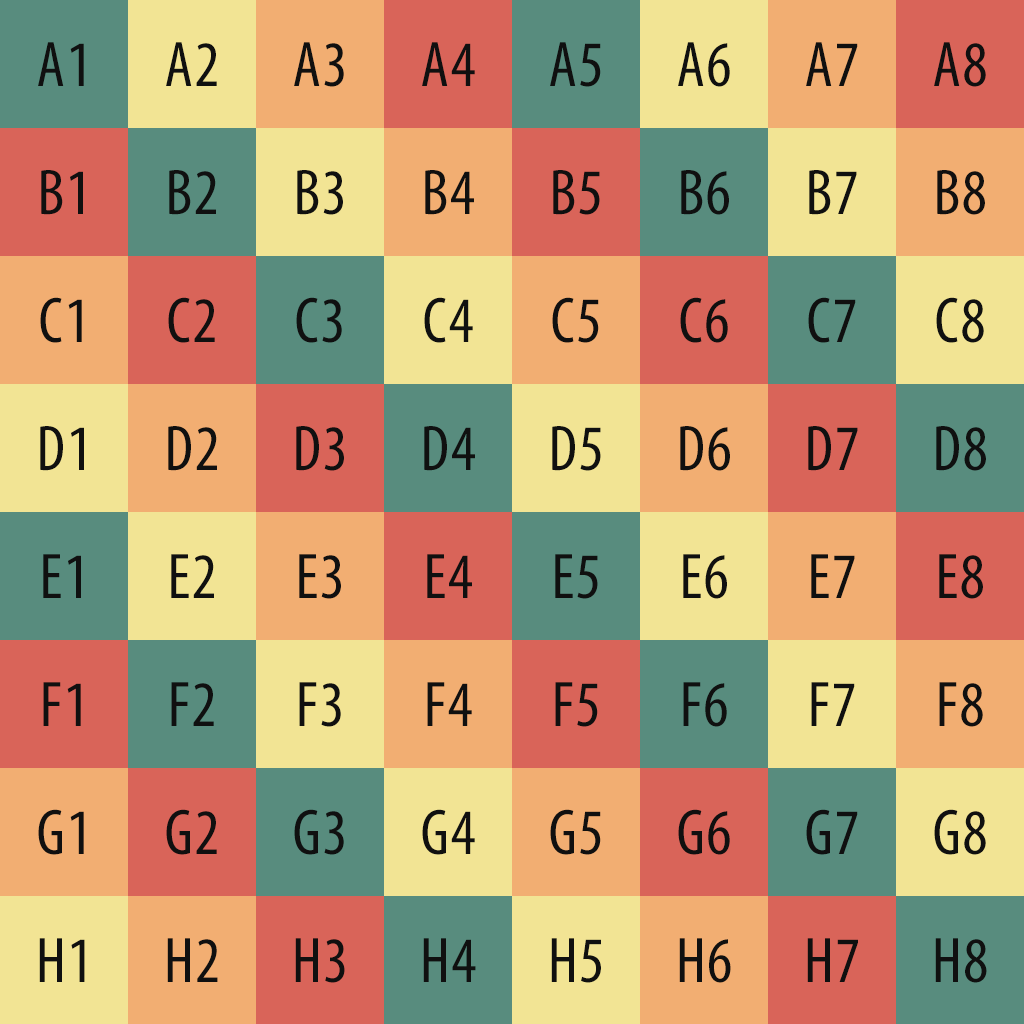
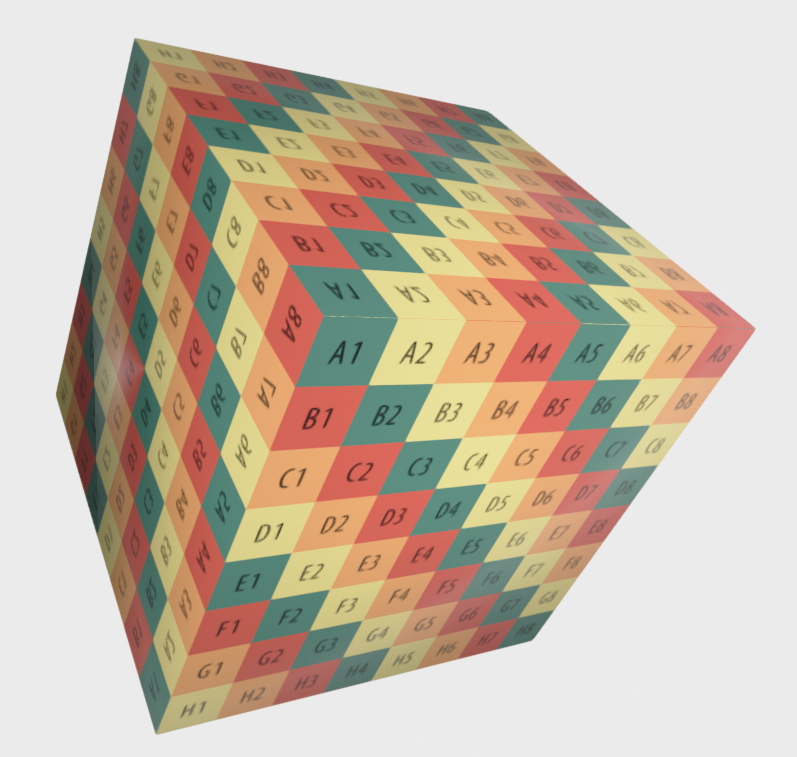
Box(将 UV 映射到每个面,false)
Section titled “Box(将 UV 映射到每个面,false)”box = o3d.geometry.TriangleMesh.create_box(create_uv_map=True)o3d.visualization.draw({'name': 'box', 'geometry': box, 'material': material})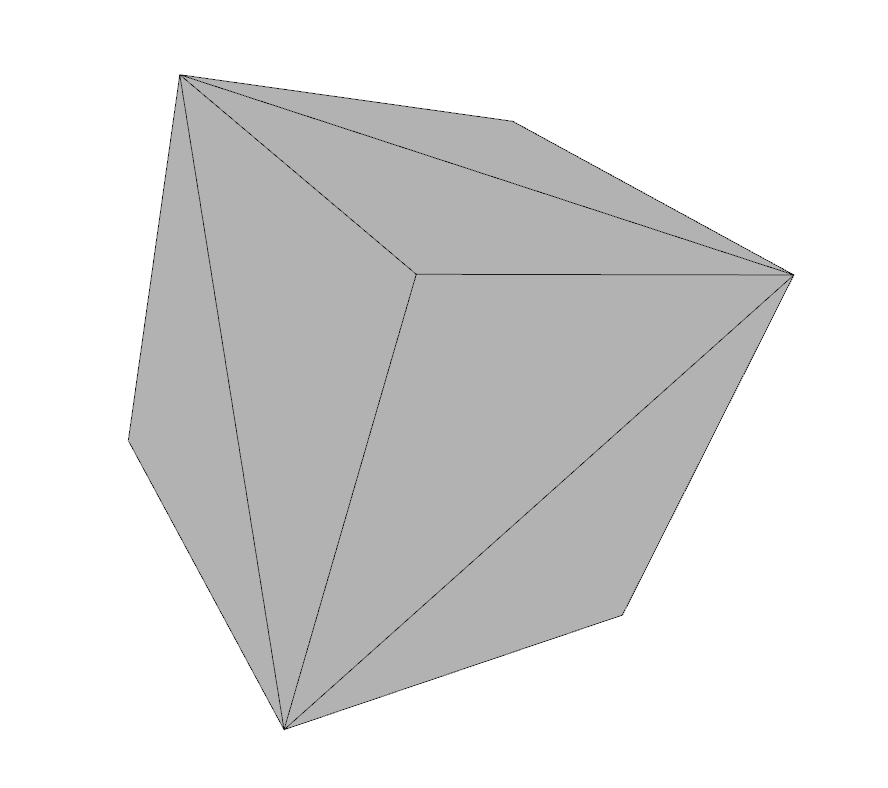
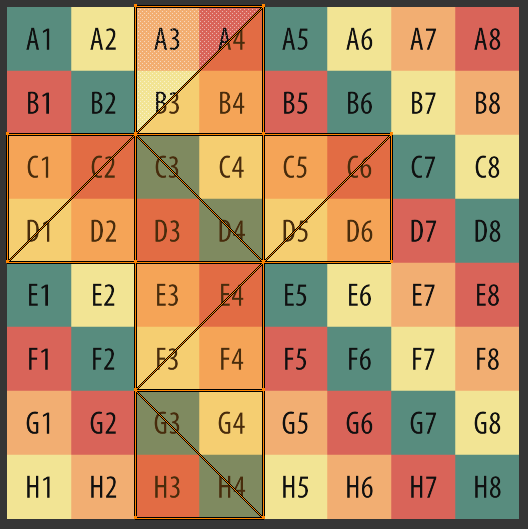
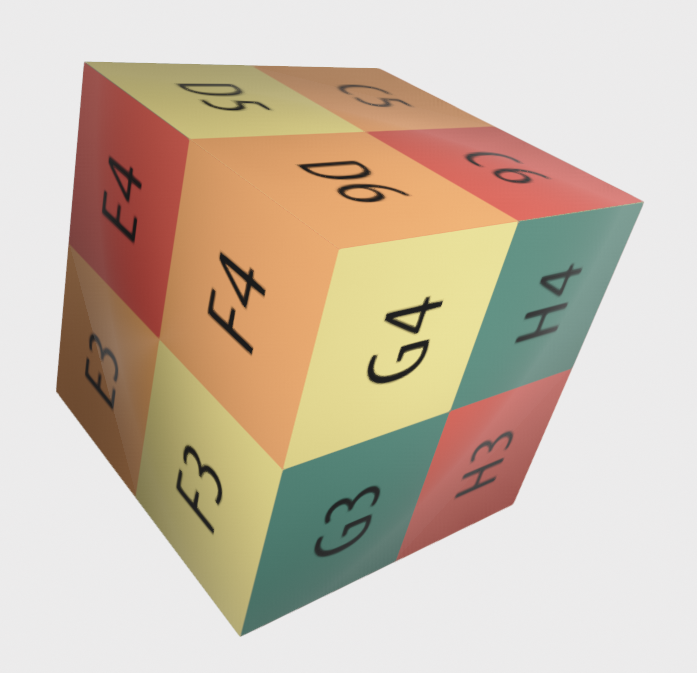
Box(将 UV 映射到每个面,true)
Section titled “Box(将 UV 映射到每个面,true)”box = o3d.geometry.TriangleMesh.create_box(create_uv_map=True, map_texture_to_each_face=True)o3d.visualization.draw({'name': 'box', 'geometry': box, 'material': material})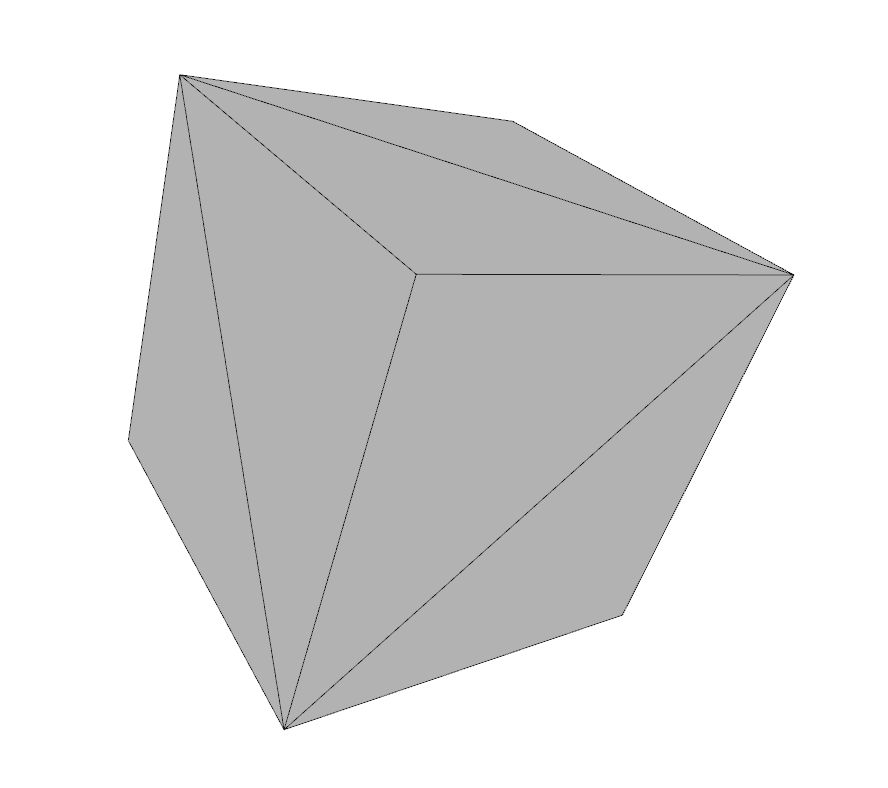
四面体(Tetrahedron)
Section titled “四面体(Tetrahedron)”tetra = o3d.geometry.TriangleMesh.create_tetrahedron(create_uv_map=True)o3d.visualization.draw({'name': 'tetrahedron', 'geometry': tetra, 'material': material})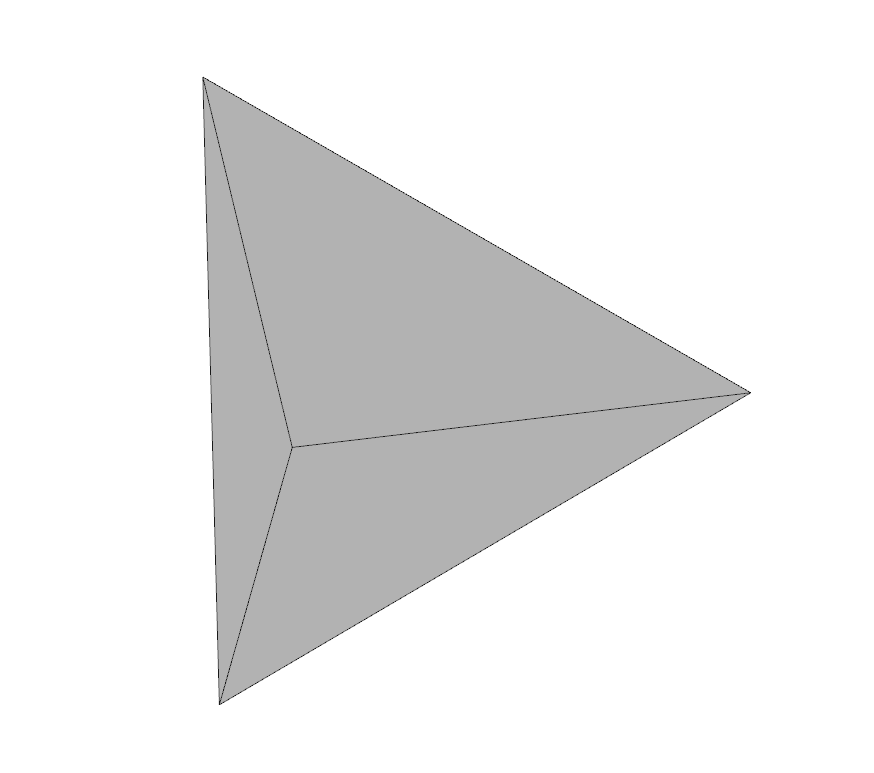
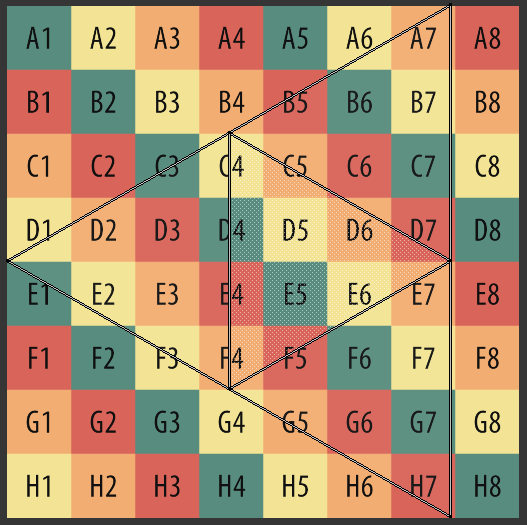
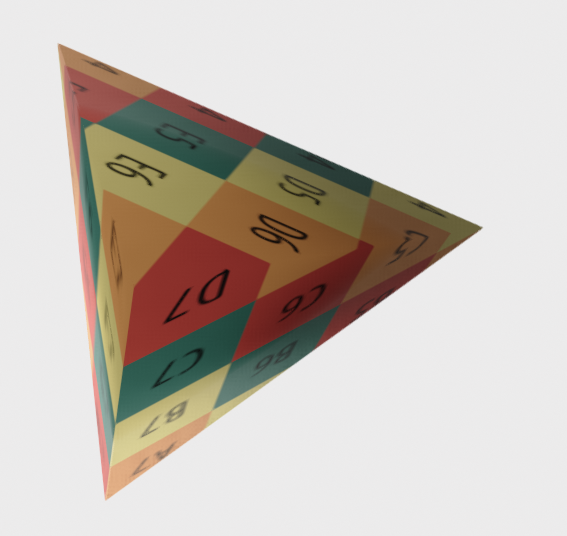
八面体(Octahedron)
Section titled “八面体(Octahedron)”octo = o3d.geometry.TriangleMesh.create_octahedron(create_uv_map=True)o3d.visualization.draw({'name': 'octahedron', 'geometry': octo, 'material': material})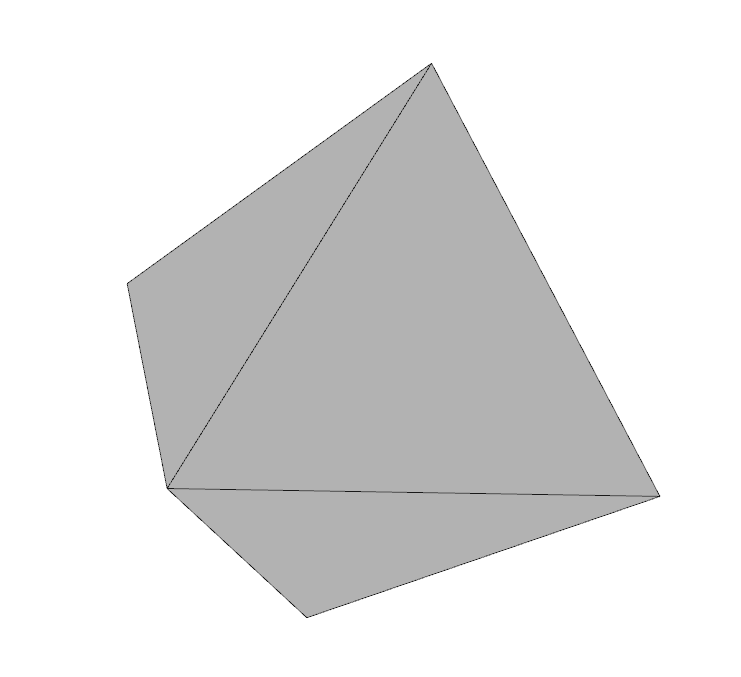
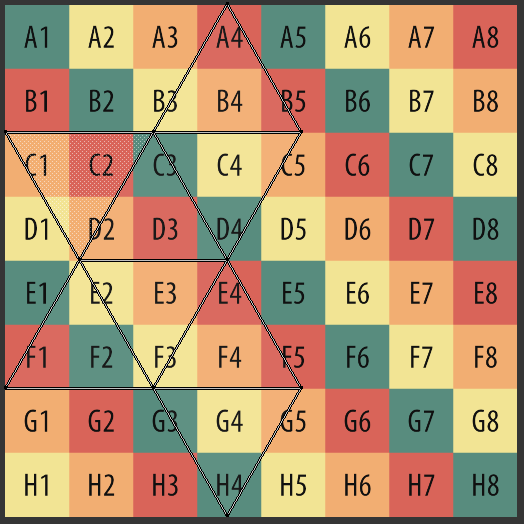
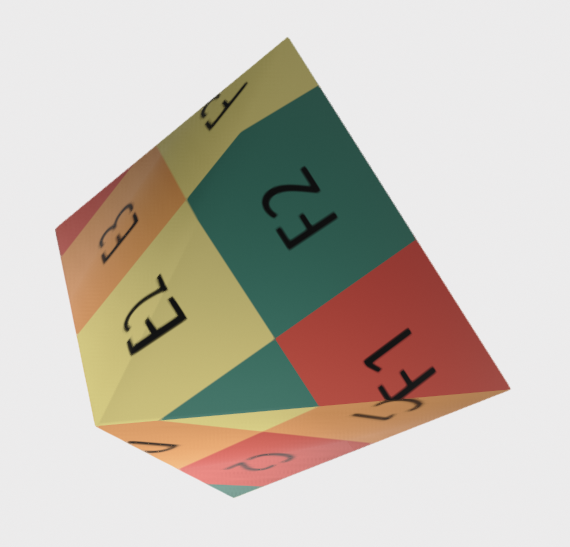
二十面体(Icosahedron)
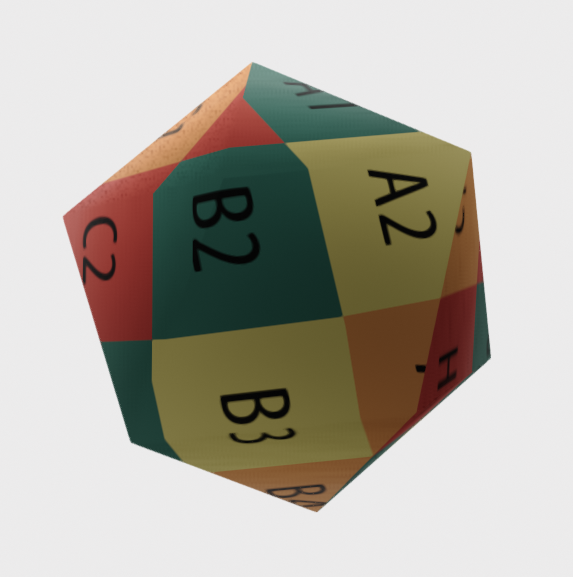
Section titled “二十面体(Icosahedron)”ico = o3d.geometry.TriangleMesh.create_icosahedron(create_uv_map=True)o3d.visualization.draw({'name': 'icosahedron', 'geometry': ico, 'material': material})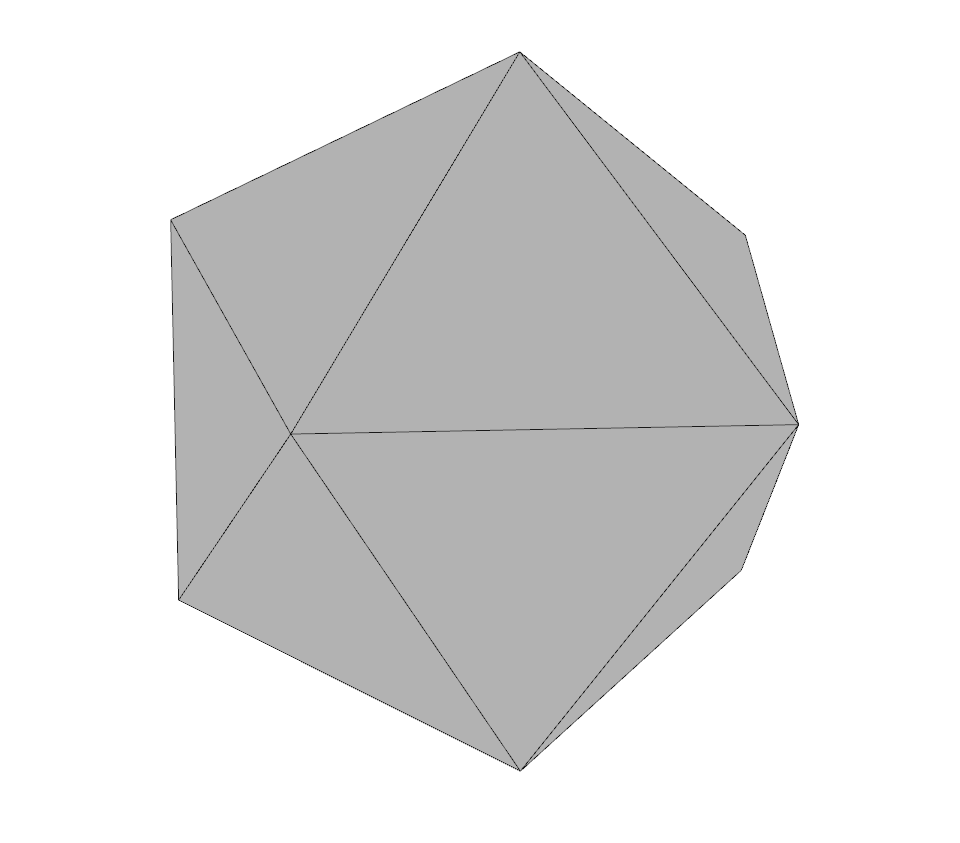
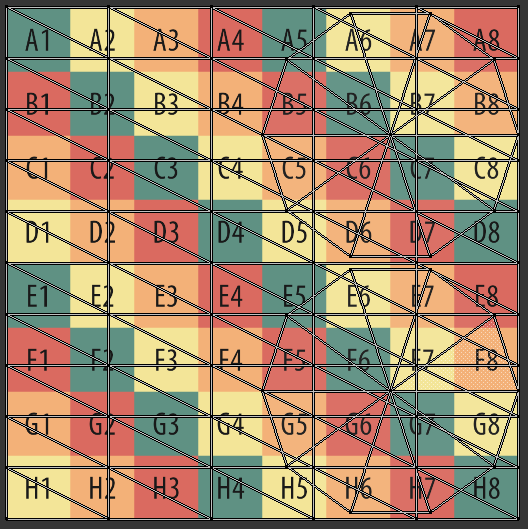
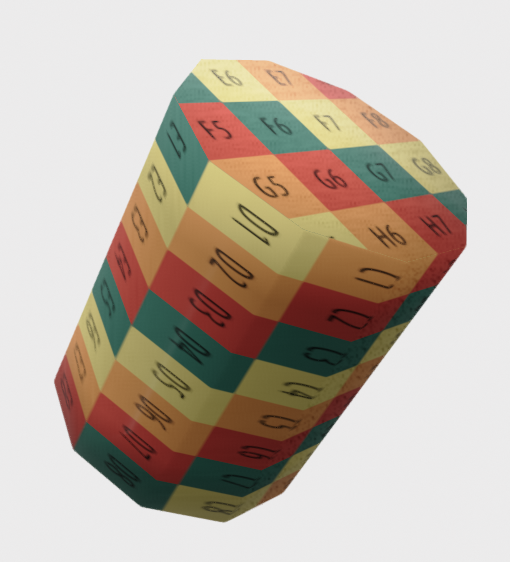
圆柱体(Cylinder)
Section titled “圆柱体(Cylinder)”cylinder = o3d.geometry.TriangleMesh.create_cylinder(create_uv_map=True)o3d.visualization.draw({'name': 'cylinder', 'geometry': cylinder, 'material': material})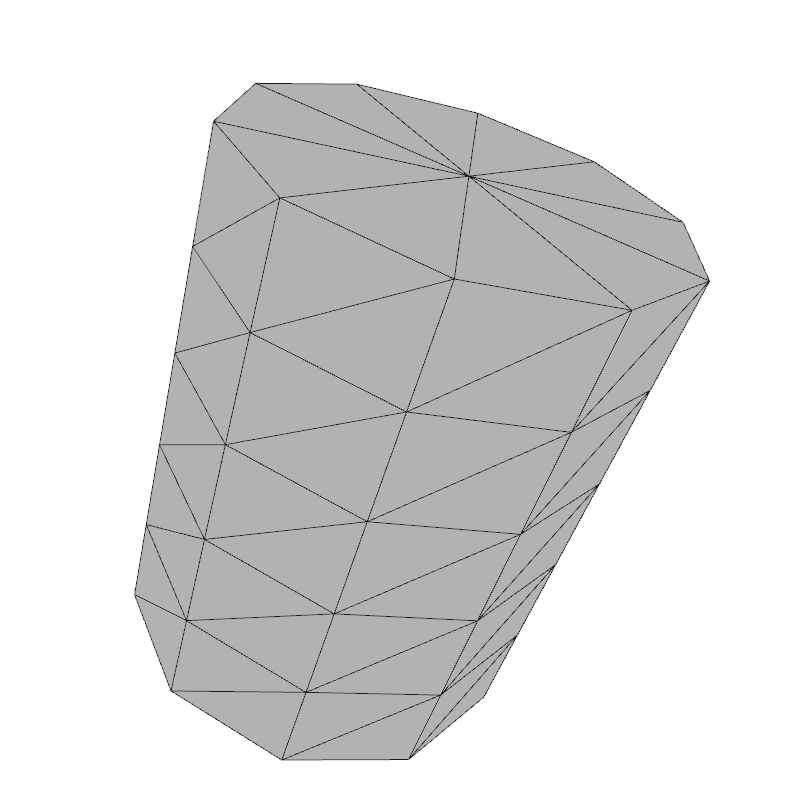
圆锥体(Cone)
Section titled “圆锥体(Cone)”cone = o3d.geometry.TriangleMesh.create_cone(create_uv_map=True)o3d.visualization.draw({'name': 'cone', 'geometry': cone, 'material': material})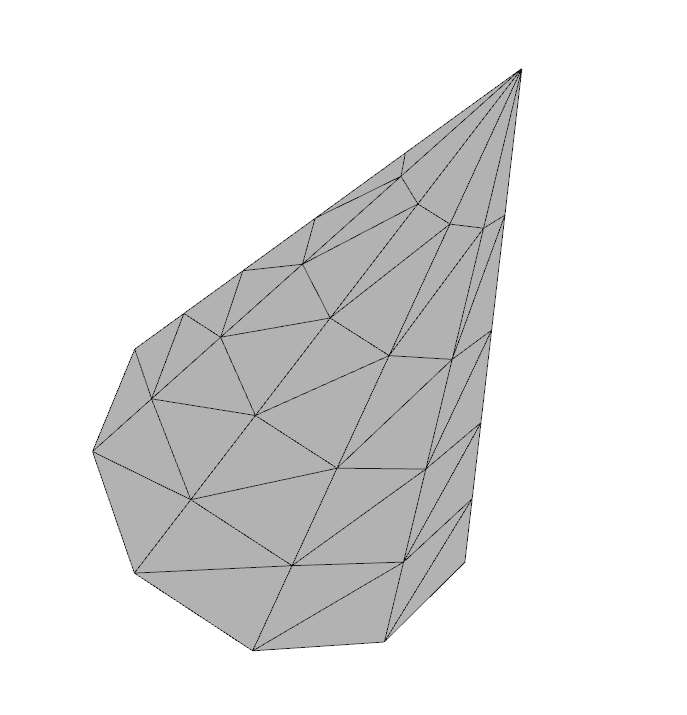
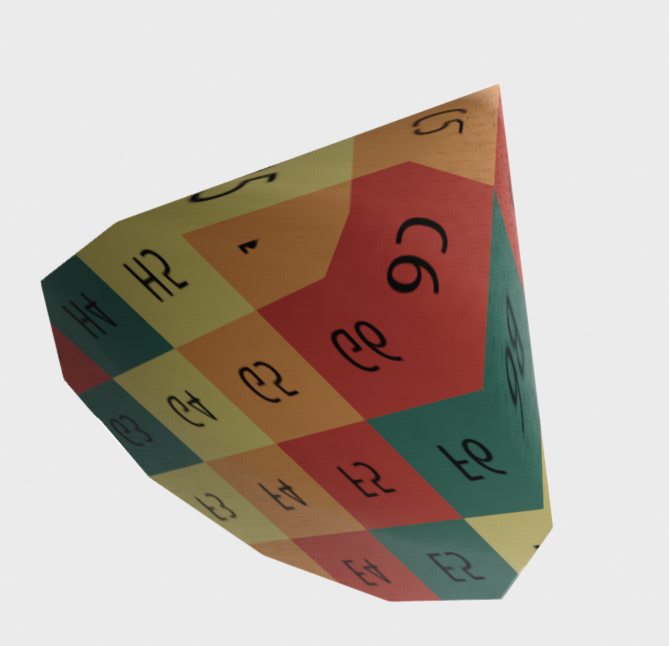
球体(Sphere)
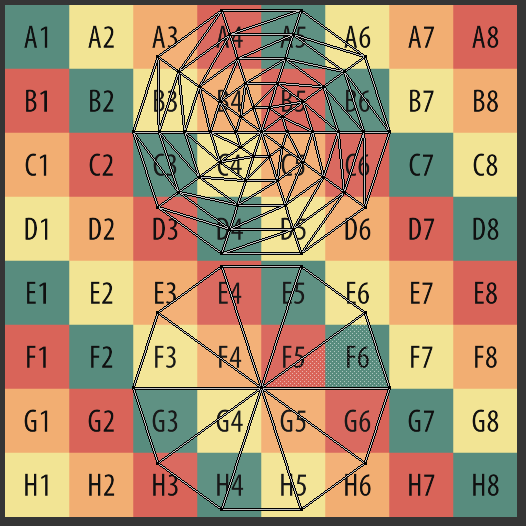
Section titled “球体(Sphere)”sphere = o3d.geometry.TriangleMesh.create_sphere(create_uv_map=True)o3d.visualization.draw({'name': 'sphere', 'geometry': sphere, 'material': material})